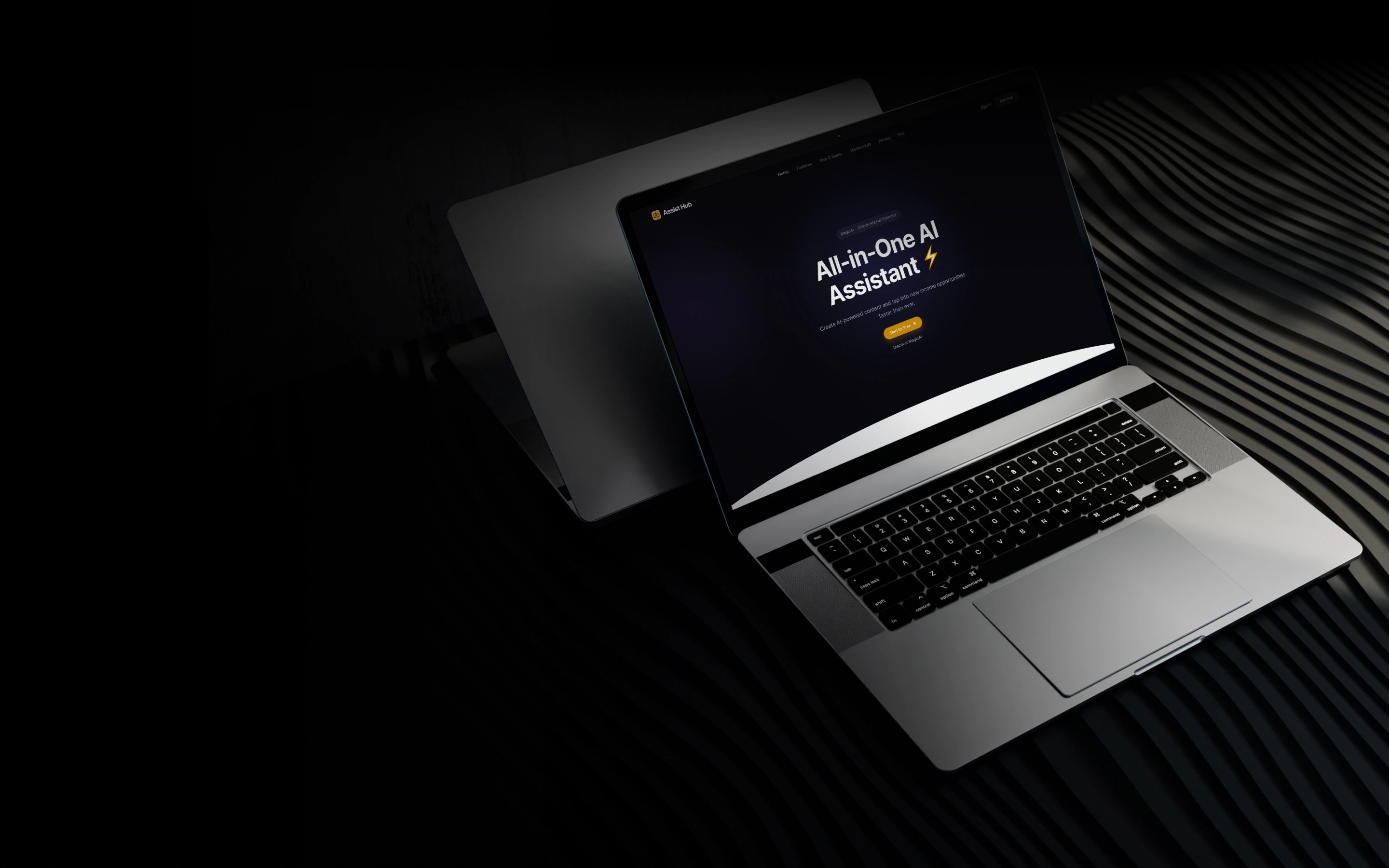
An AI-driven document assistant platform for secure enterprise collaboration
This case study explains how Onix helped upgrade and extend an existing Laravel-based web platform into a flexible AI assistant hub. It enables businesses to upload large document sets and extract information via OpenAI, directly through chat and integrations.
Web application for creating and managing OpenAI-based assistants
AI tools: file search, code interpreter, and function calling
AWS/Azure file integration for document processing
Slack integration for private assistant chats
CMS system with user roles, subscriptions, and file management
Built on Laravel using a pre-made template
AI Software
Industry
3 specialists
Team size
NDA
Location
3 months
Project duration
[ About the project ]
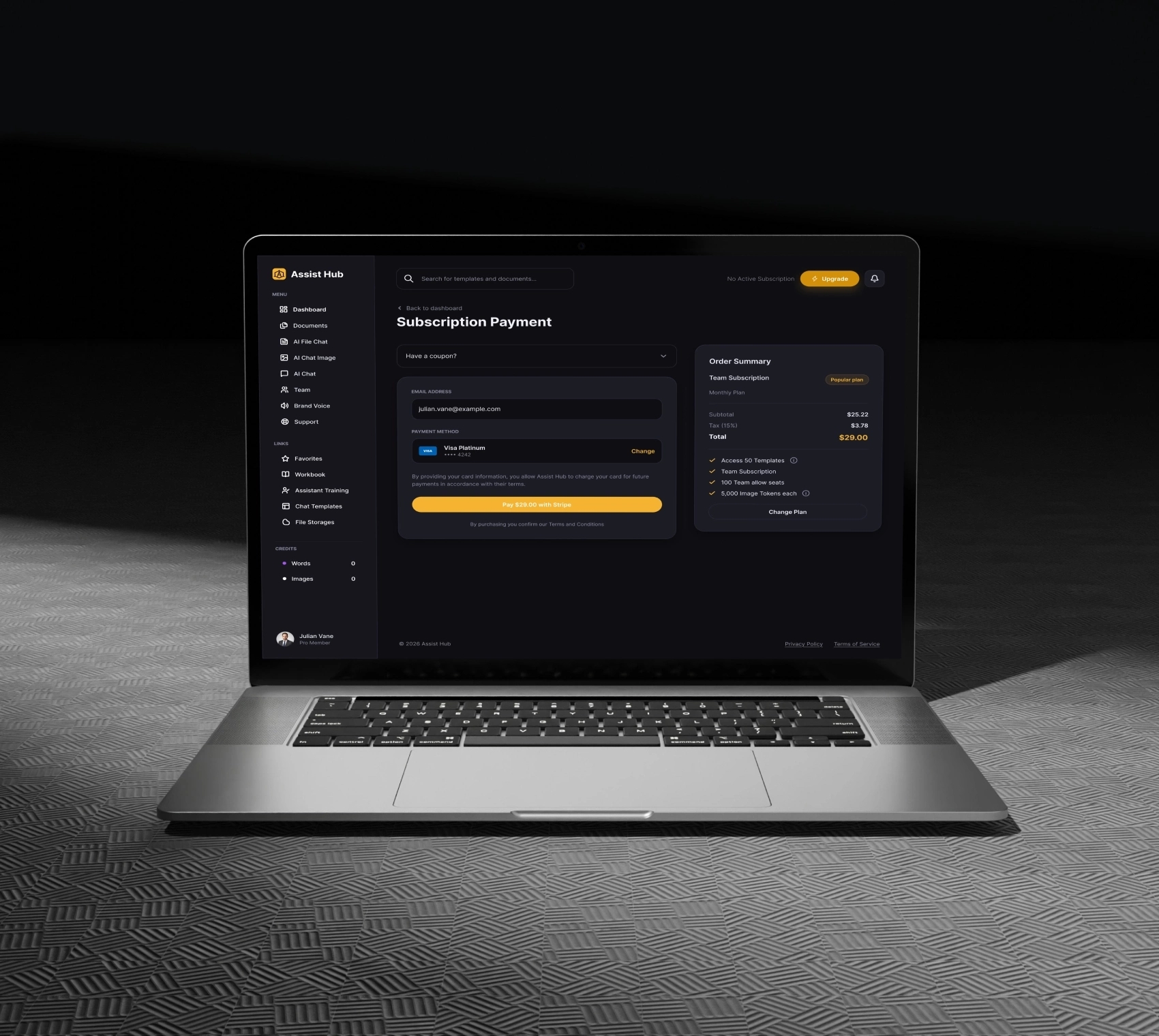
The web application allows users to create and configure AI assistants that interact with files using OpenAI’s Assistants API. Each assistant can be customized with tools like file search, code interpretation, or function calling.
Users can upload documents (PDFs, Word, Excel, etc.) into integrated cloud storage (AWS or Azure), which assistants then use to extract insights or generate answers.
Private chats are available via Slack integration, allowing interaction with the AI directly from a user's workspace.
This platform is a productivity booster for teams working with large volumes of documents. The CMS includes user management, subscription plans, file permissions, and team features.

[ Business problem ]
The client needed to fix and enhance the existing AI assistant tools, which either misbehaved or worked in unintended ways. In addition, they wanted to expand functionality to:
Connect document storage from AWS and Azure
Enable real-time interaction with assistants from Slack and Microsoft Teams
Ensure better handling of file upload flows for each AI tool
Onix was brought in to debug the current system and implement these critical upgrades
[ Target users ]
The platform is targeted at professionals and teams that work with large, structured or unstructured documents—legal, financial, technical, etc.
This technology analyzes a user's website and automatically generates a list of It helps them find relevant information, summarize data, or generate reports faster using AI. relevant templates based on specific data points.
Solutions we provided:
Cloud File Integration for AI Assistants
We enabled users to connect their own AWS S3 and Microsoft Azure Blob storage accounts and then upload or link documents to specific assistants. These files are processed depending on the tool selected:
File search: indexes documents to allow users to “chat” with them
Code interpreter: allows the AI to run calculations based on file content
Function calling: provides structured actions without the need for file inputs
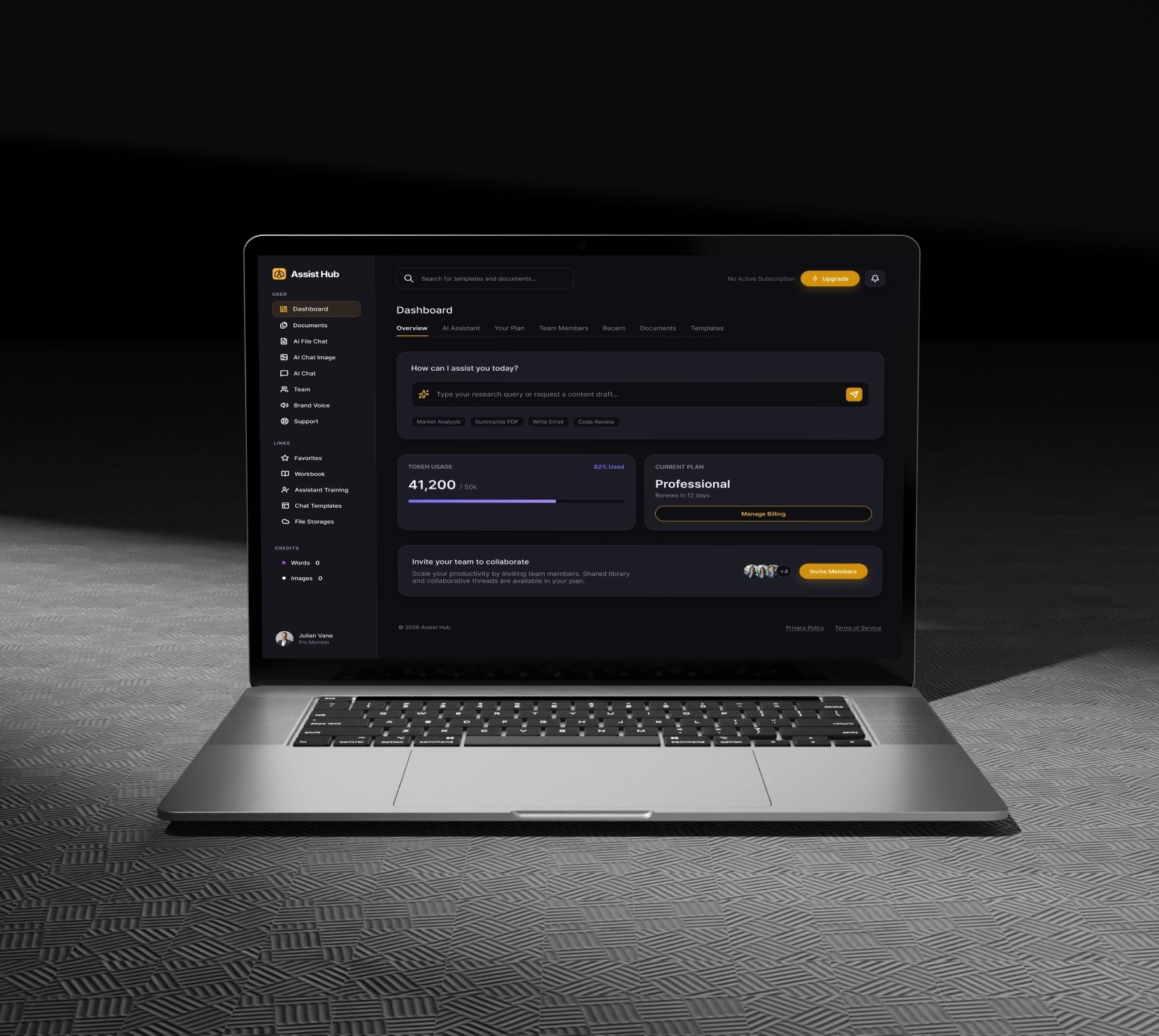
Slack and Teams Integration
Our team built support for Slack (with MS Teams planned), where users can start private chats with any assistant.
When a message is sent from Slack, a user account is automatically created in the system if it doesn’t already exist
Team assignments are inferred from metadata
Access is limited to the assistants configured for that team
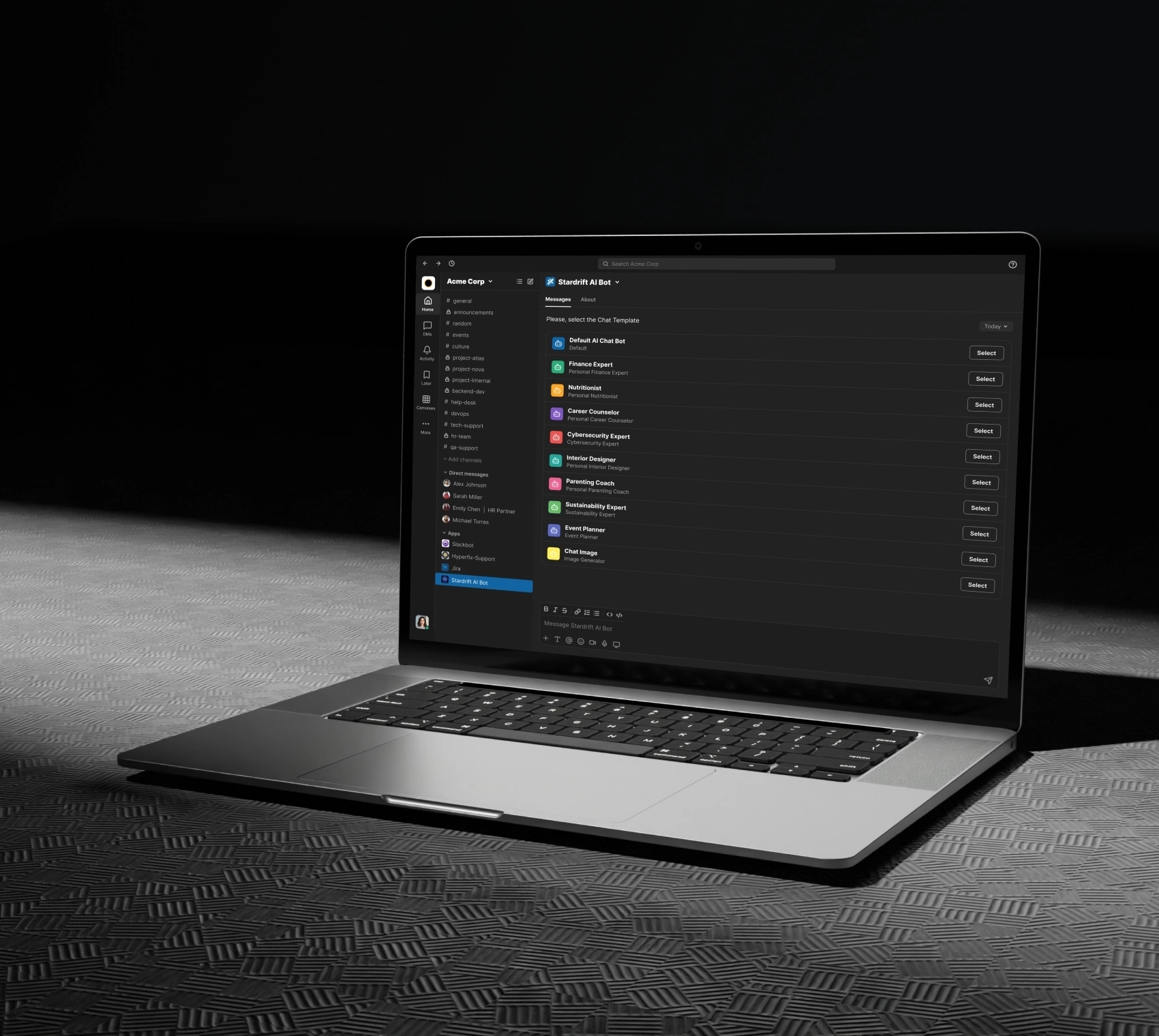
Custom Assistant Creation Flow
Users can:
Upload files or connect buckets
Set assistant privacy (private, team, or public)
Configure OpenAI parameters (creativity, instructions, etc.)
Add a profile image
Each assistant has its own chat interface with:
Markdown responses
Code blocks and image output
File and image uploads
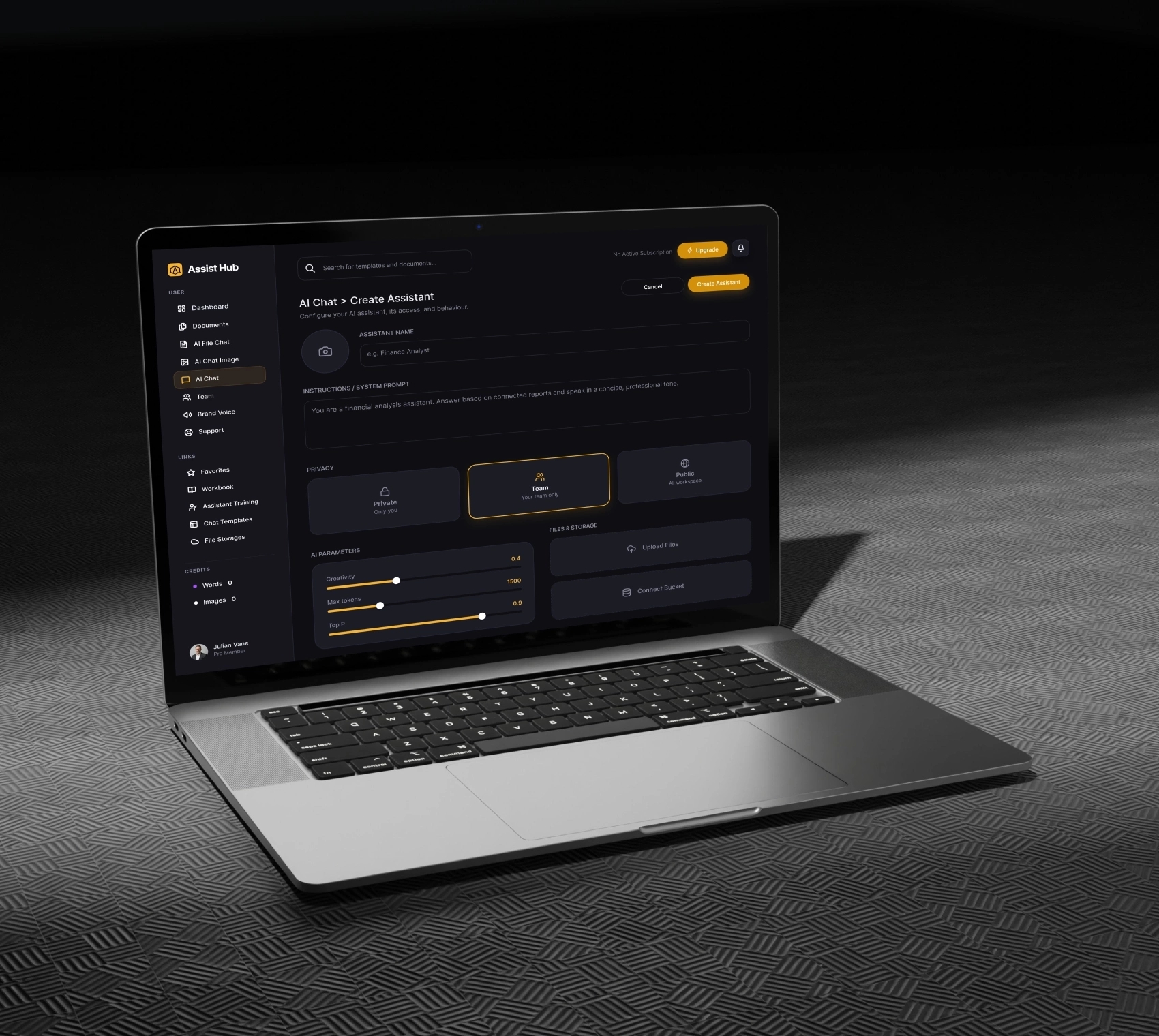
Streamlined CMS and Team Management
We retained and improved the structure of the CMS system (based on a pre-purchased Laravel template):
User accounts and subscriptions
Team features with shared documents and assistants
Support tab, document repository, and Slack bot menu
Core technology stack we used
Laravel (PHP),
Slack API,
OpenAI Assistants API,
FlySystem (PHP library),
Microsoft Graph API,
AWS S3 / Azure Blob

Development Challenges & Solutions
Assistant tool misbehavior with files
The client reported that file uploads and retrieval didn’t work consistently across file search, code interpreter, and function-calling tools.
Solution: We rewrote the file-handling logic for each tool to match its expected behavior:
File search: optimized indexing
Code interpreter: secure execution
Function calling: no file uploads required
Slack/MS Teams user access
External users from Slack needed a frictionless way to talk to assistants without manual onboarding.
Solution: We built a smart account creation flow based on incoming messages. The system recognizes the team and assigns the correct permissions automatically.
[ Results ]
The project was successfully completed and is live. The system now supports:
Full assistant lifecycle (create, edit, chat, delete)
AWS and Azure integration
Slack integration with real-time chat
Assistant tools with improved accuracy and performance
A flexible CMS for managing users, subscriptions, and content

See other related projects


Kazakhstan
Mobile Communications
Centralized aggregator classifying news
into 10 predefined topics for 40K users
Optimizing news access with LSTM categorization
Centralized aggregator classifying news into 10 predefined topics for 40K users
Services provided:
We provided web design and development services for a gaming production company: logo design, UI enhancements, ensuring optimal UX & responsiveness

Ukraine
Automatic Electric Drive
Image Analysis that uses unique
capabilities of the Intel Neural
Compute Stick 2
Software solution with real-time image analysis
Image Analysis that uses unique capabilities of the Intel Neural Compute Stick 2
Services provided:
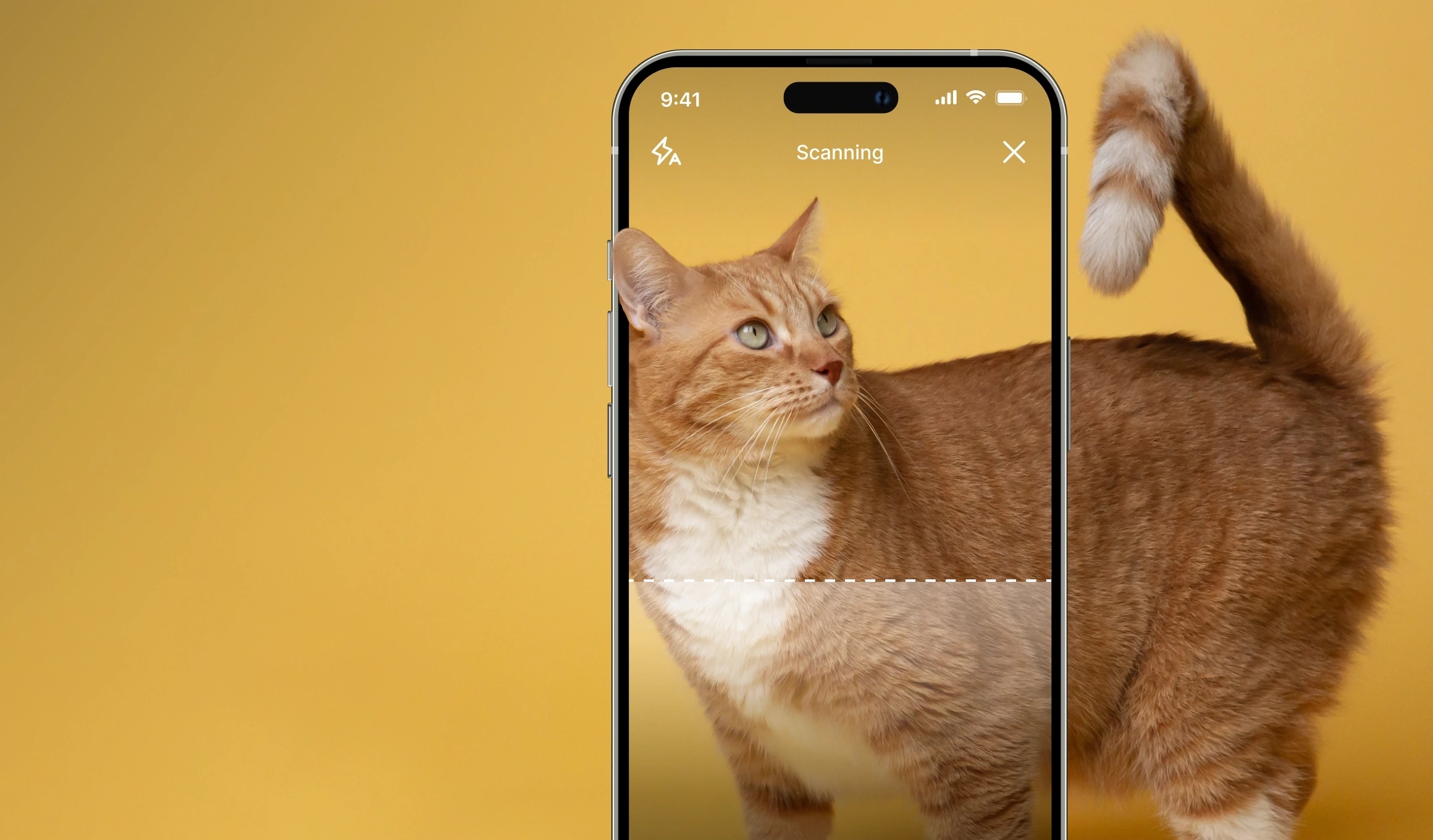
We built software that offers real-time image classification and analysis, eliminating delays experienced with cloud-based solutions

Australia
Entertainment
An animation software to ensure
seamless, comedic & realistic face
replacement
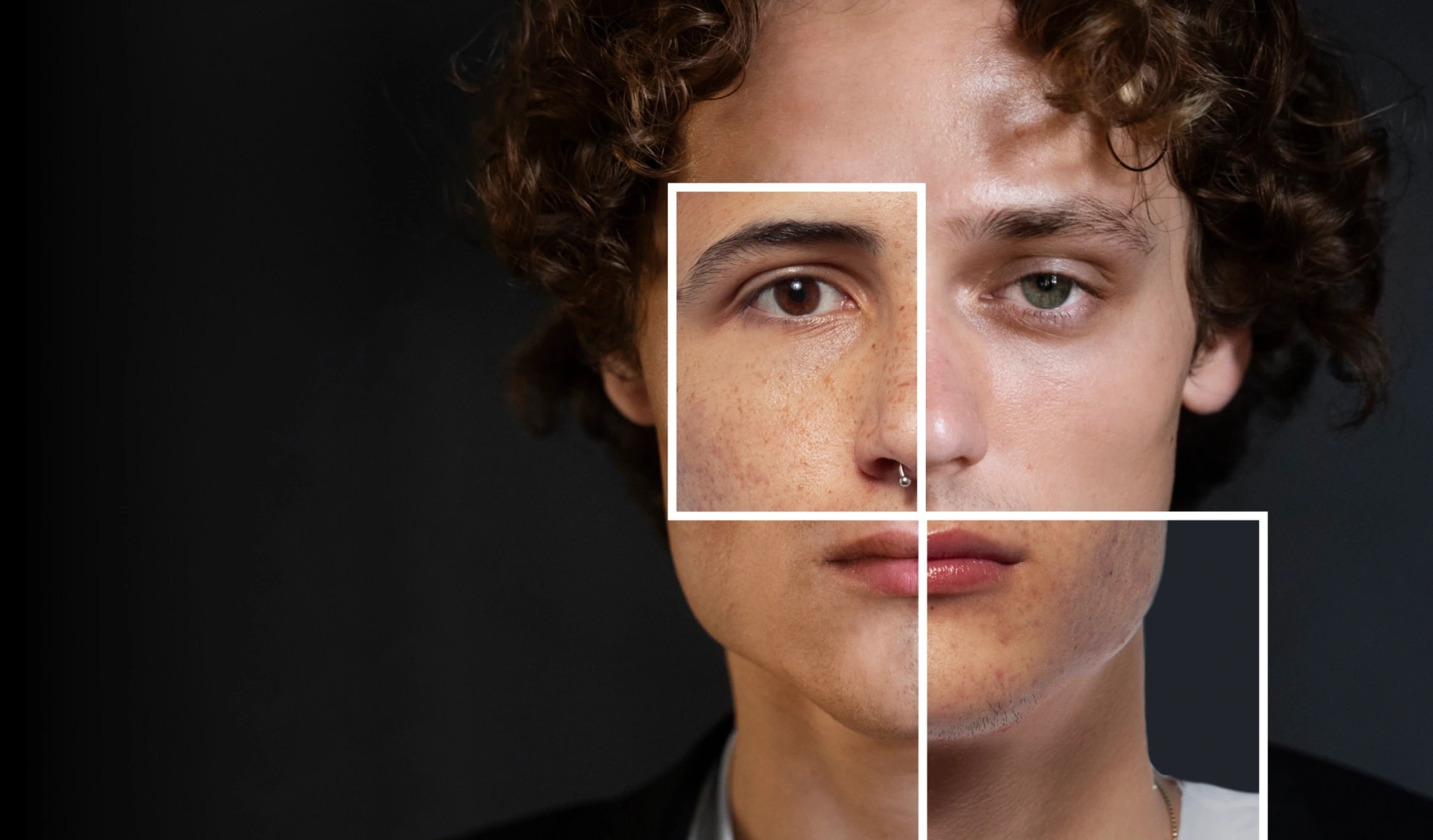
AI-based solution to replace faces in video stream
An animation software to ensure seamless, comedic & realistic face replacement
Services provided:
We crafted an AI-driven solution to replace faces in humorous videos, utilizing advanced face detection, dynamic object mapping & accessory augmentation