Axion FocuSelf
Using Apple’s Screen Time API to Build a Privacy-First Digital Wellbeing App
How Onix built a gamified screen time management app that helps users build focus, reduce distractions, and stay in control, without tracking or storing their data.
Digital Wellbeing
Industry
2 specialists
Team size
Ukraine
Location
2 months
Project duration
[ Business context ]
With screen time on the rise, Onix sought to explore how iOS technologies could help people develop healthier digital habits.
Axion FocusElf is an iOS time tracking app created as an internal proof-of-concept, demonstrating the use of Apple's Screen Time API to create a privacy-focused digital wellbeing app.
Axion FocusElf was born to help people reduce screen time, improve concentration, and enjoy digital detox sessions, without compromising privacy.

[ Product scope ]
The Onix team was responsible for:
Overcoming limited documentation and reverse-engineering Screen Time and Device Activity APIs.
Handling the complexity of coordinating logic between the main app and multiple extensions.
Managing local state without a backend while ensuring data consistency across components.
Building an app to manage time on iOS with gamification features to encourage better screen time habits.

Have a project in mind? Let's talk!
[ Solutions we provided ]
Our idea of time tracking app development was simple: What if focusing felt like a game?
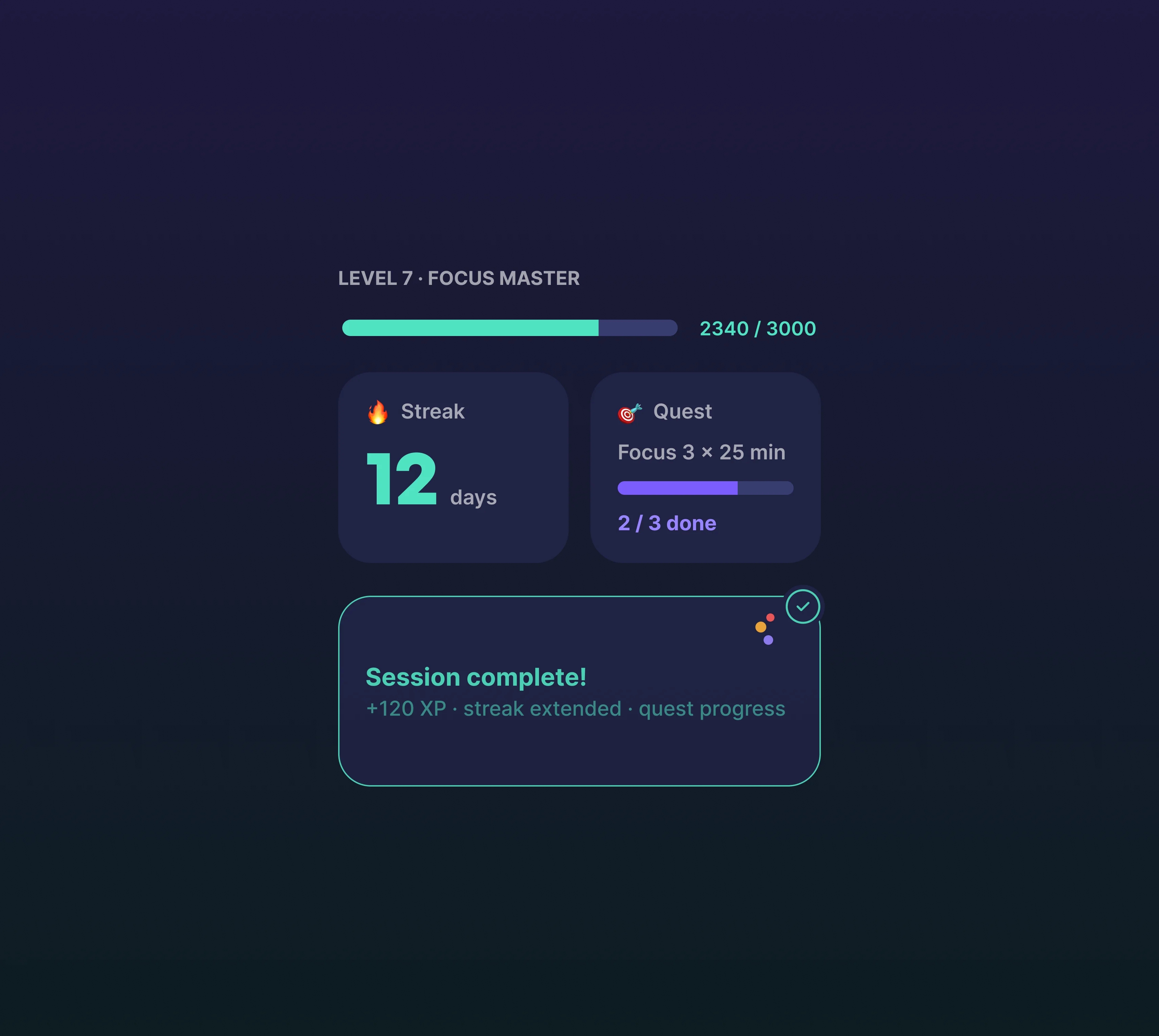
Instead of punishing users for phone usage, we’d reward discipline with XP, streaks, quests, and all that good stuff.
With limited Apple documentation, our iOS team had to experiment, test, and find creative solutions to bring digital wellbeing features to life while focusing on a clean design, a smooth user experience, and strong privacy principles.
Clean, Native Architecture
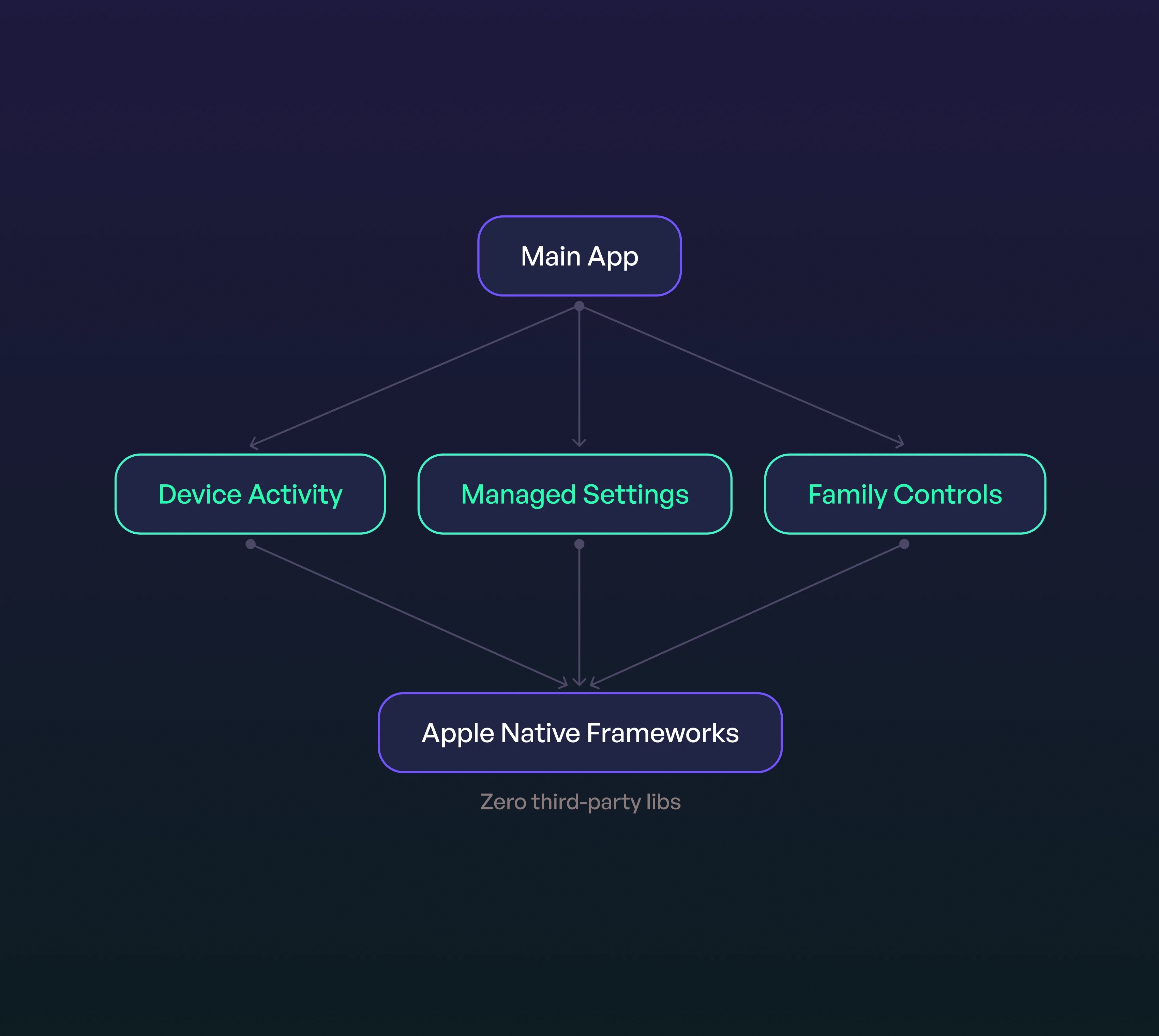
We built Axion FocusElf entirely with Apple’s native frameworks, avoiding third-party libraries to showcase the full potential of iOS technologies. A clean architecture separates responsibilities between the main app and extensions, making the system stable and easy to maintain.
Real-Time Usage Tracking
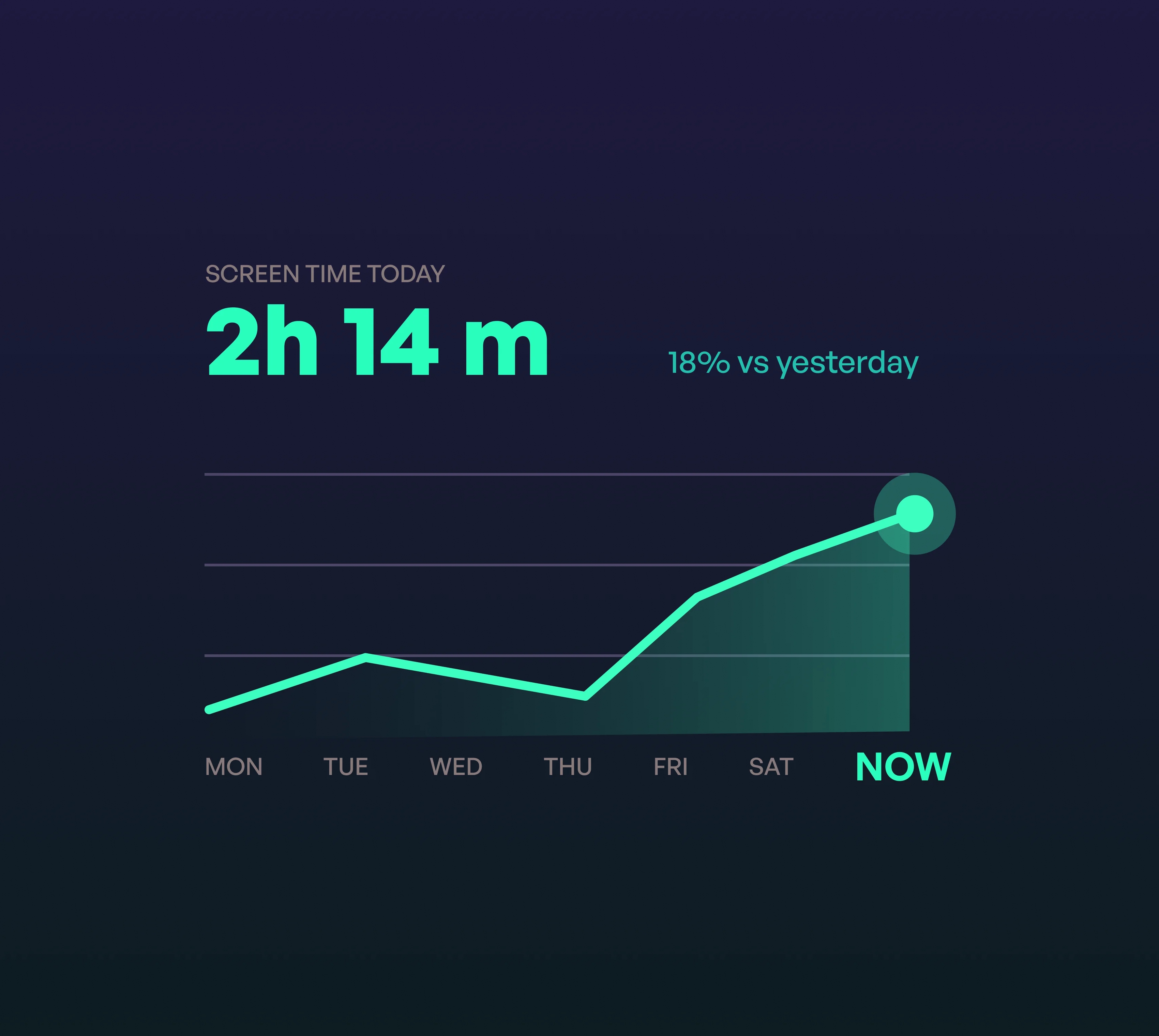
Using DeviceActivity, the app monitors screen time and app usage in real time, collecting data for daily and weekly trends. Background tasks and Combine ensure instant updates without draining the battery.
Dynamic App Blocking
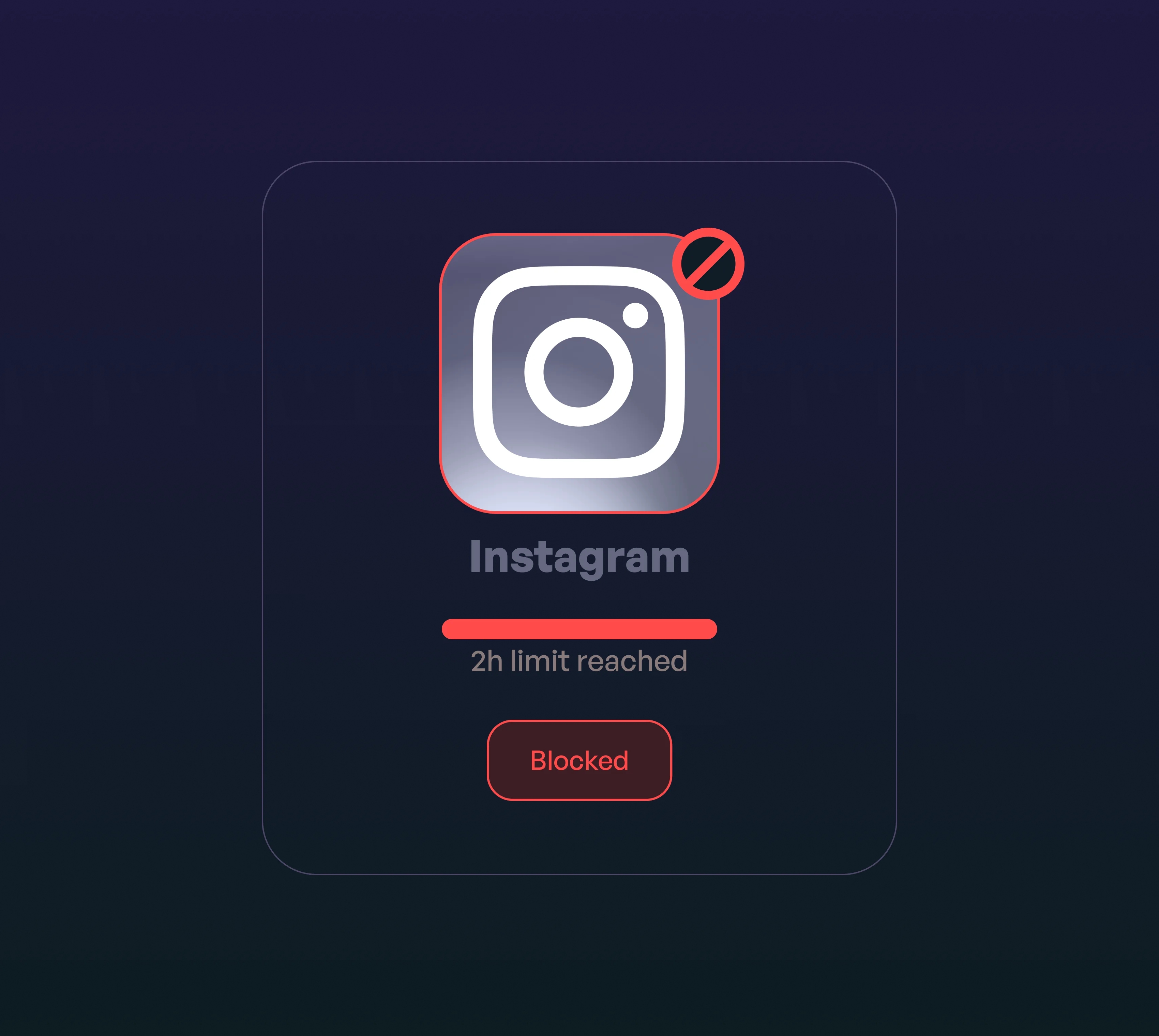
With ManagedSettings, we implemented smart shielding that automatically blocks selected apps or categories once a usage limit is reached, helping users stay focused on their goals.
Privacy-First Approach
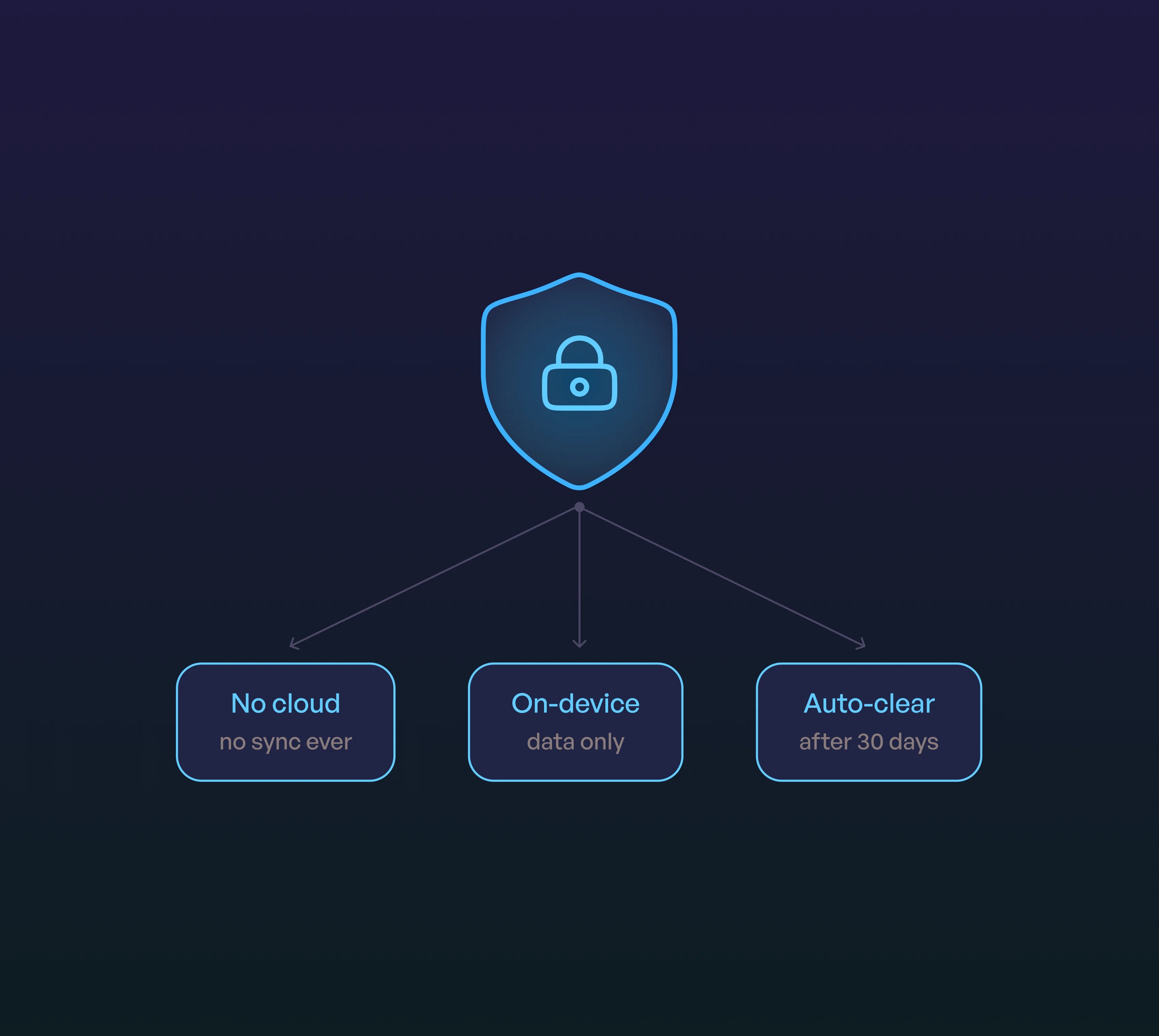
And because privacy matters more than ever, Axion FocusElf doesn’t store any personal data. No cloud sync. No backend. Everything stays safely on your device.
Only minimal daily summaries are stored locally and automatically cleared after 30 days, ensuring complete user privacy.
Apple Screen Time API Approval
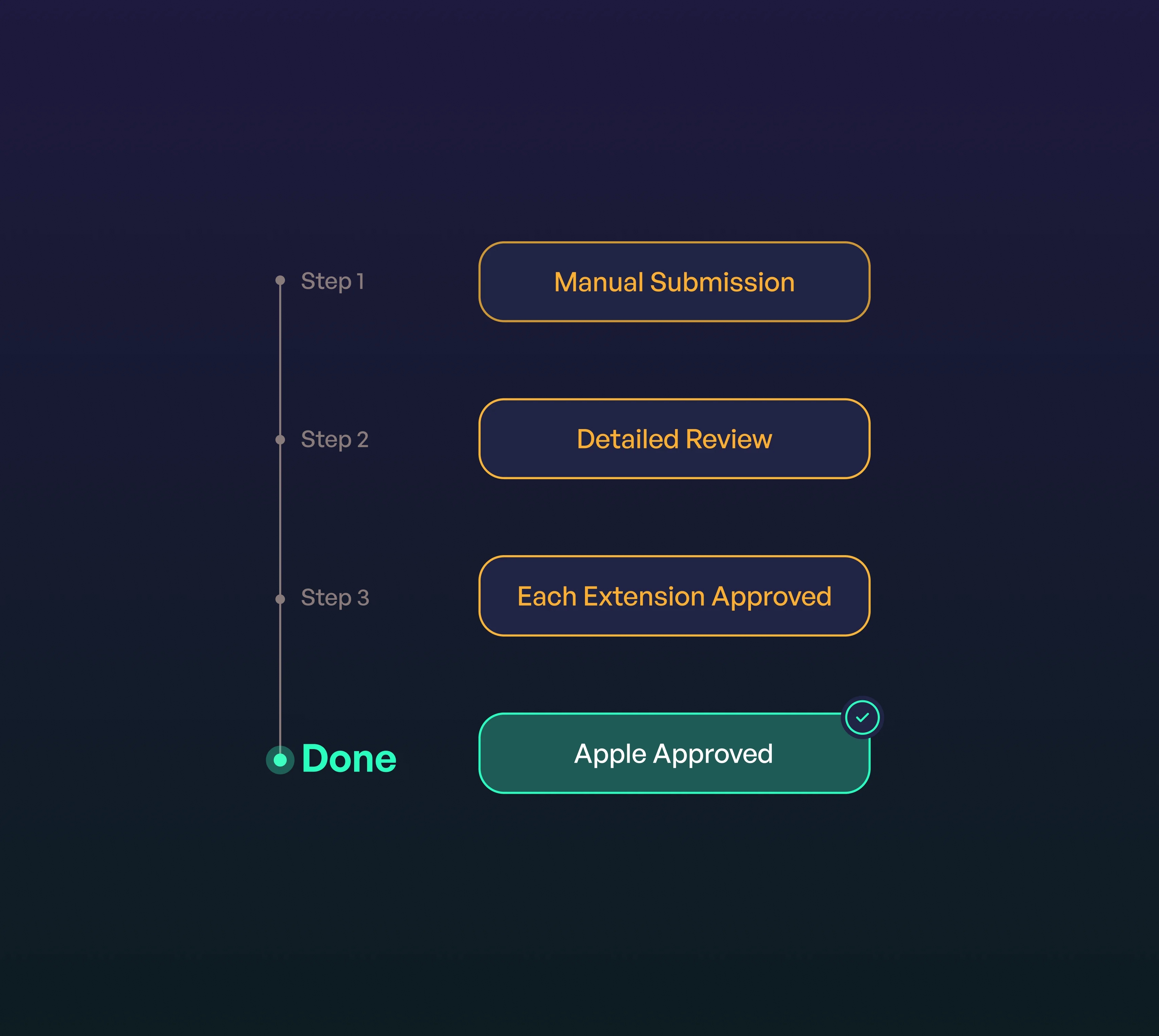
Getting access to Apple’s Screen Time API wasn’t easy. The process required a manual submission to Apple, a detailed explanation of how and why we planned to use the API, and approval for each extension separately.
It took patience, clear documentation, and several review cycles, but we successfully secured Apple’s permission.
This achievement became one of the project’s most significant milestones, proving our team’s deep understanding of Apple’s ecosystem and compliance process.
Smart Restrictions for Accountability
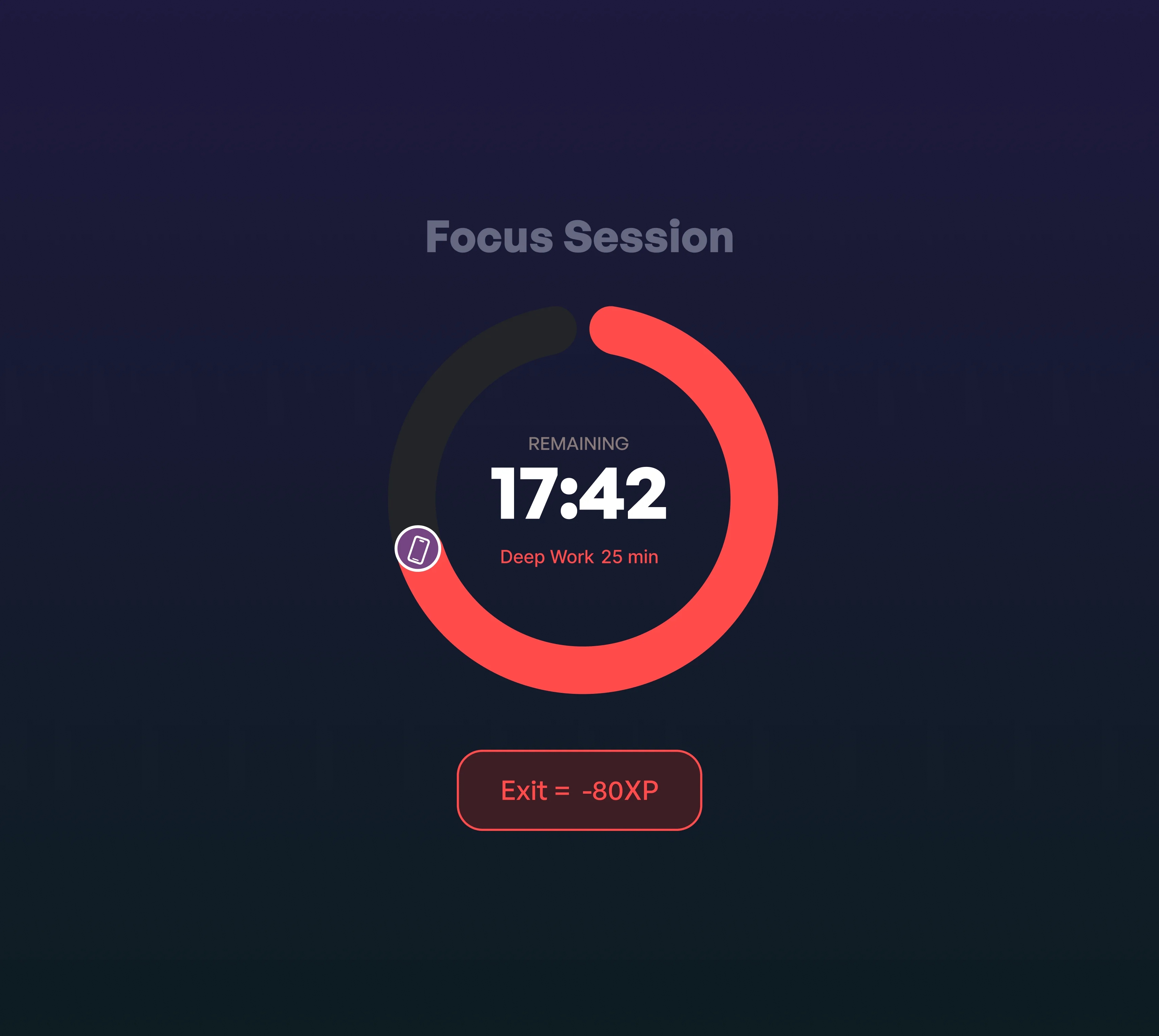
To add an extra layer of motivation, users can’t simply exit a focus session early. If they want to end it before time runs out, they’ll have to “pay” an early-exit penalty, reinforcing commitment and mindful phone use.
Gamification for Motivation
We turned focus into progress. Every completed session earns users XP, streaks, and quest rewards, turning self-discipline into a fun challenge. The game-like system keeps users motivated to stay consistent and improve daily.
Freemium Model
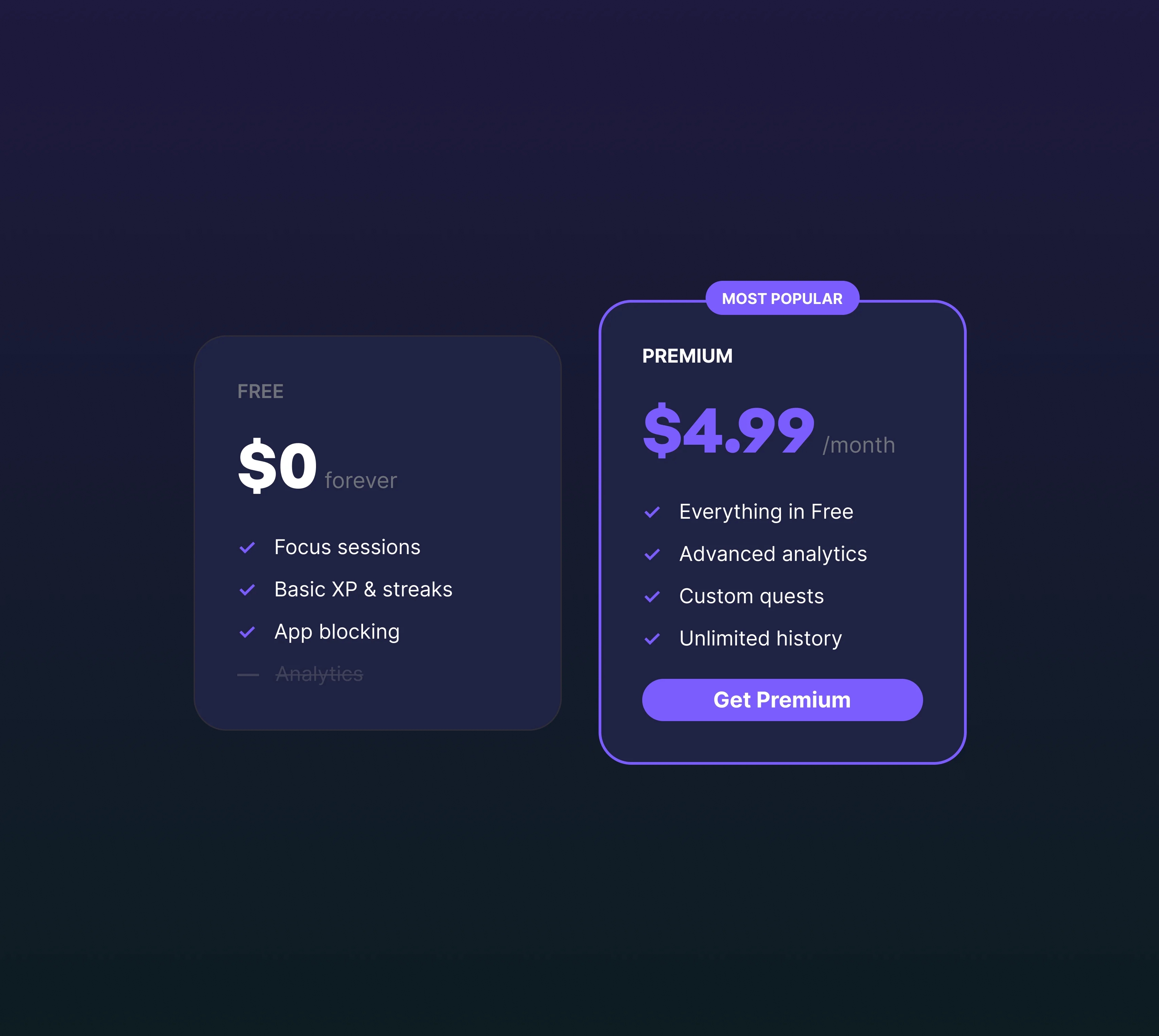
Axion FocusElf follows a freemium approach. The app’s core features are free, while premium users can unlock advanced options through a simple subscription, making it accessible to everyone while supporting future development.
Intuitive, Gamified Design
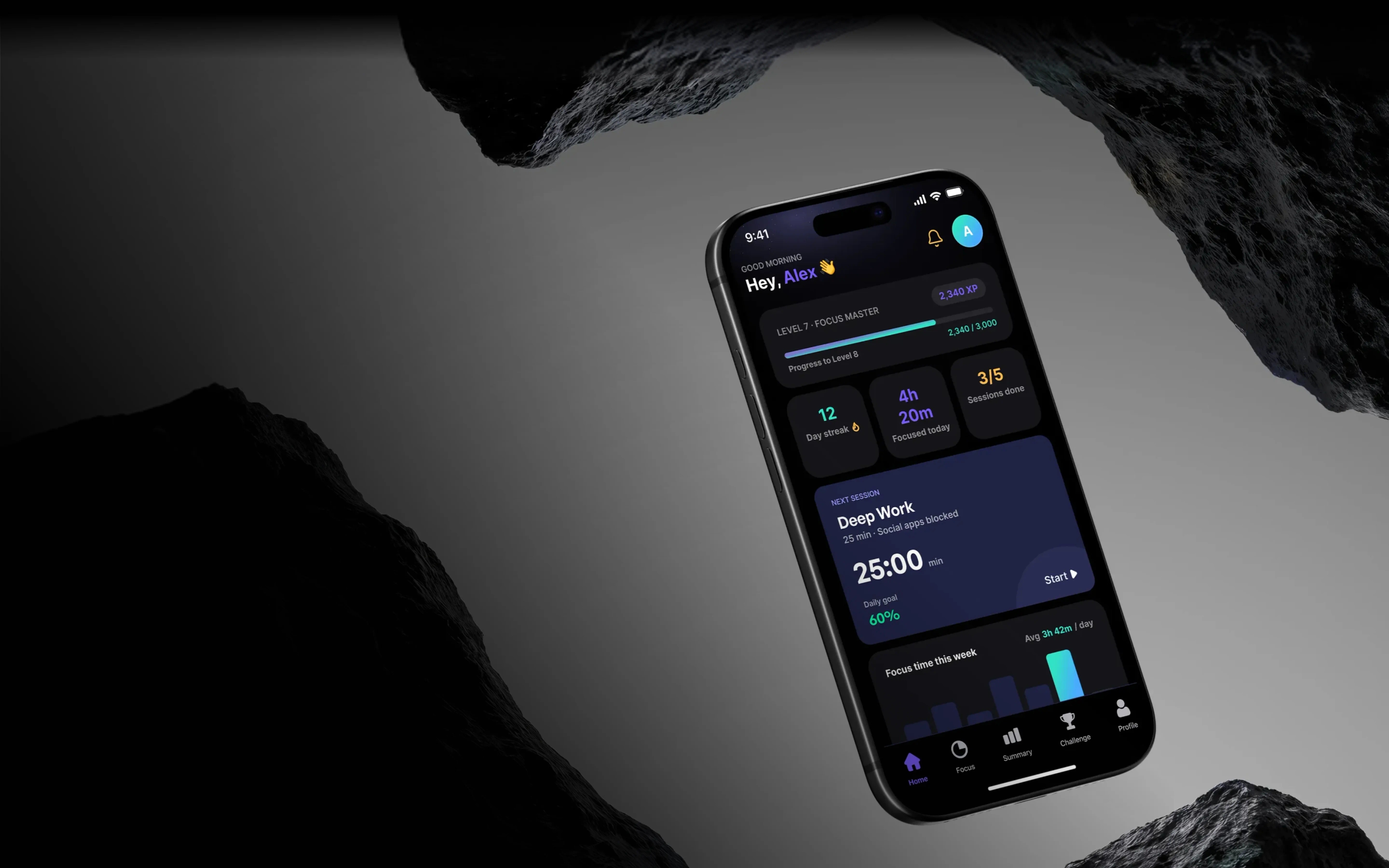
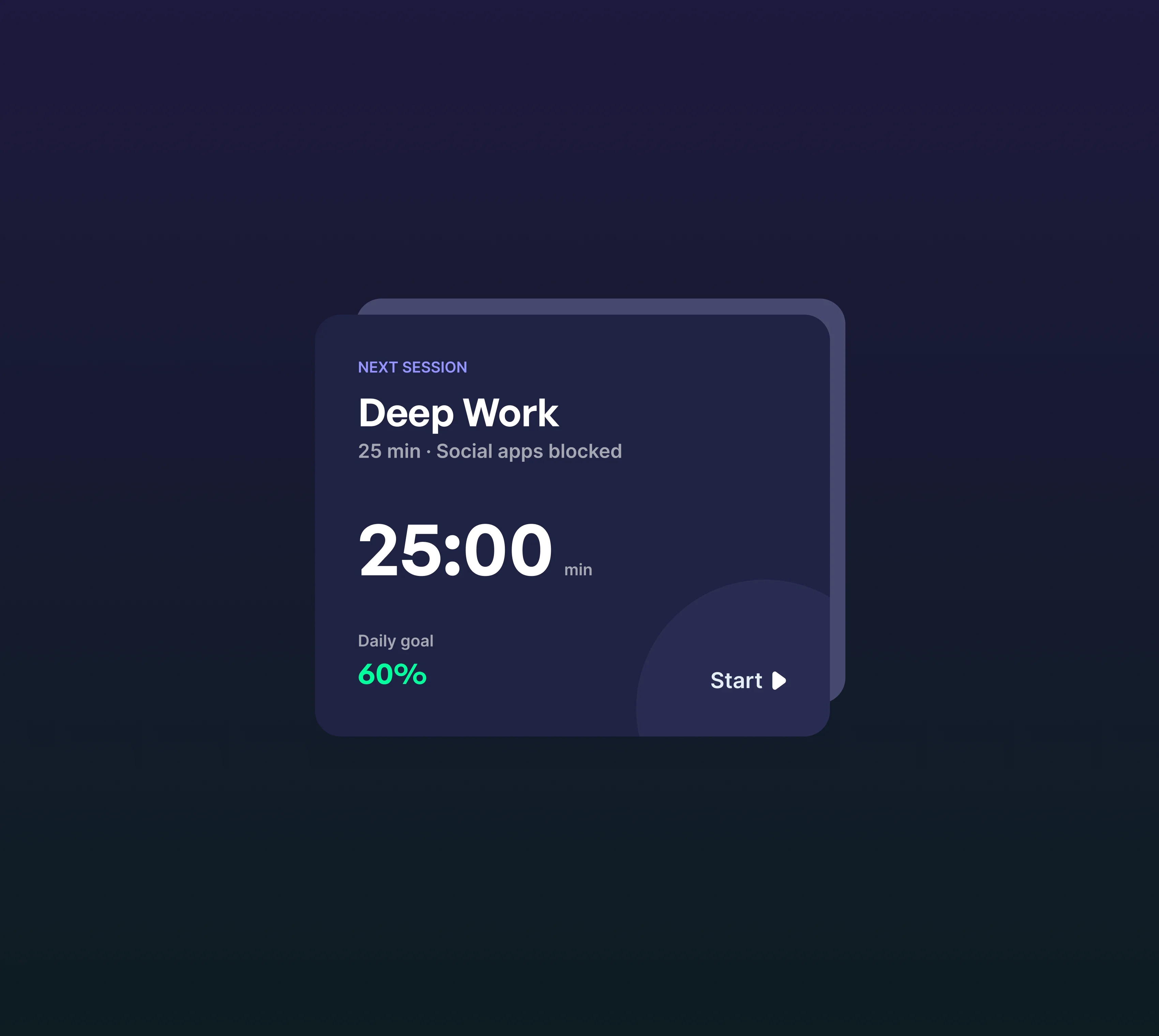
During iOS time management app development, we created Axion FocusElf with a sleek, modern interface to make the screen time tracker on iPhone user-friendly and straightforward.
The UI employs soft gradients, clear visual progress indicators, and subtle animations to guide users through each session. Gamification elements, such as XP points and celebratory animations (like confetti on completion), create positive reinforcement and motivate users to stay focused on their goals.
Core technology stack we used
SwiftUI,
ManagedSettings,
Combine,
DeviceActivity,
UserNotifications
[ Results ]
Our team achieved screen time monitoring for iPhone with sub-10ms latency, ensuring instant responses when usage limits were reached.
By leveraging Combine and Swift Concurrency, all app updates from dashboards to notifications feel smooth and responsive.
This proof-of-concept now serves as a powerful demonstration for potential clients, showing how Onix can build modern, reliable, and user-friendly tools for digital wellbeing for iPhone, while maintaining strong privacy standards and a native iOS experience.

See other related projects

USA
Productivity tool
A smart, intuitive iOS app development
for creative individuals
Mobile app to organize inspiring ideas
A smart, intuitive iOS app development for creative individuals
Services provided:
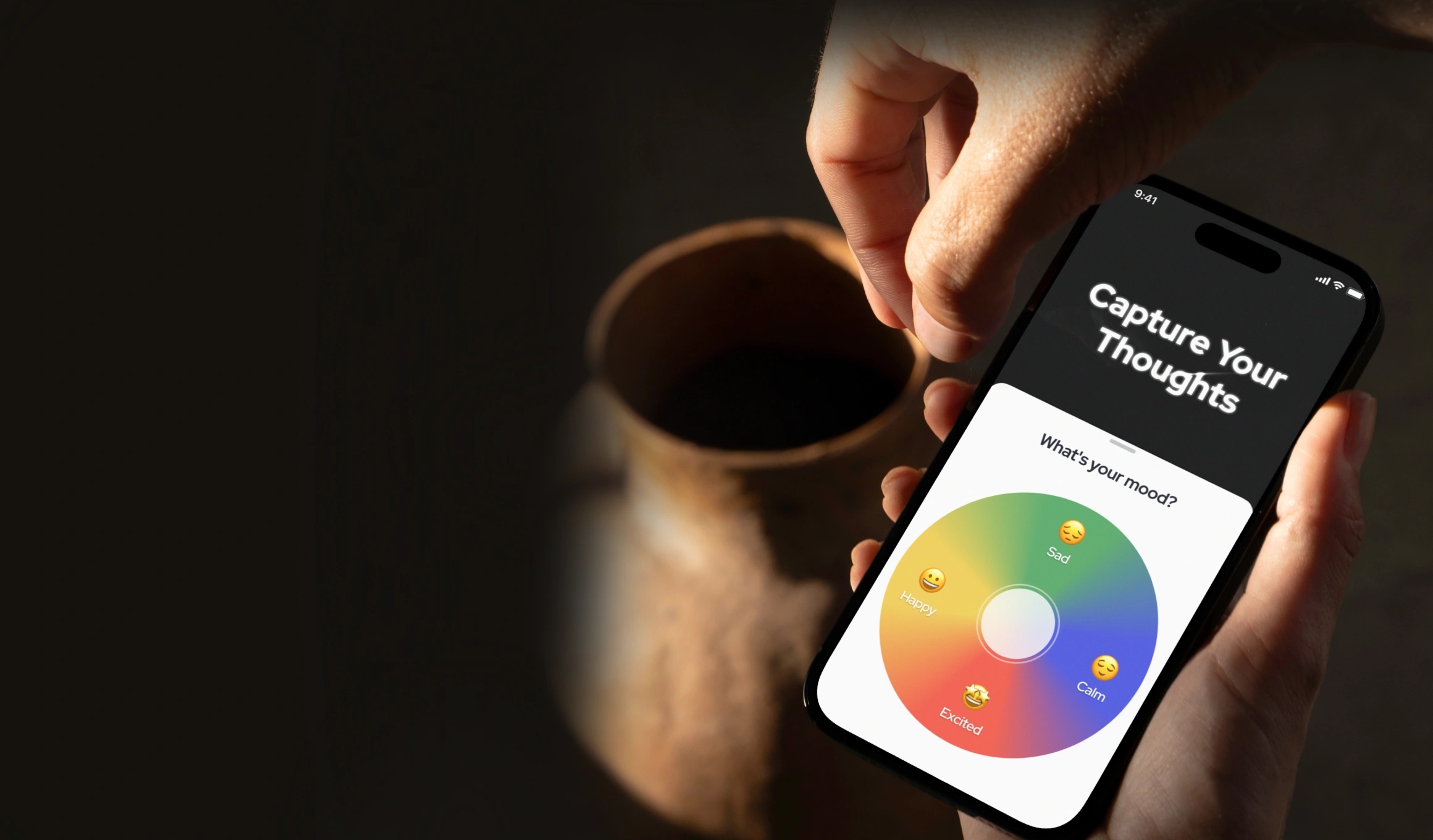
Onix built a powerful app for organizing creative ideas. The app allows creators and thinkers to record, explore, and reflect on their thoughts, ensuring no idea is lost


USA
Healthcare
Medical management system integrated
with real-time records to optimize
workflow
Streamlined scheduling system for medical personnel
Medical management system integrated with real-time records to optimize workflow
Services provided:
Onix developed an appointment app integrated with EHR, a progressive web app for doctors, implemented route optimization algorithm with intuitive UI/UX

Ukraine
Utility apps
iOS scanner app analyzing Wi-Fi to
quickly locate active devices on
the network
Network scanner app for automatic device discovery
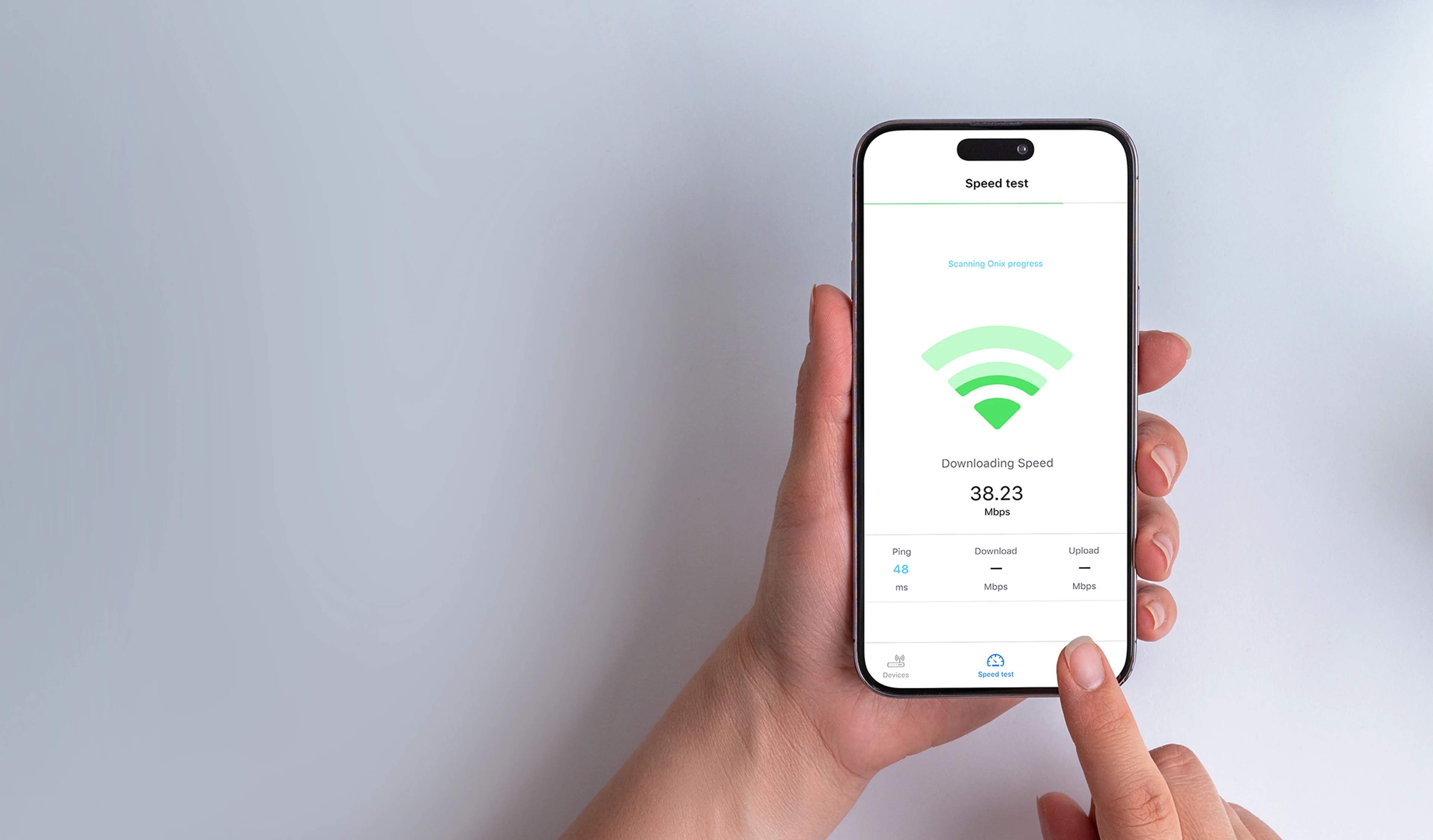
iOS scanner app analyzing Wi-Fi to quickly locate active devices on the network
Services provided:
Onix designed, coded, tested, and released its own app for iPhone, iPad & iPod Touch that detects, identifies, and scans devices on the network