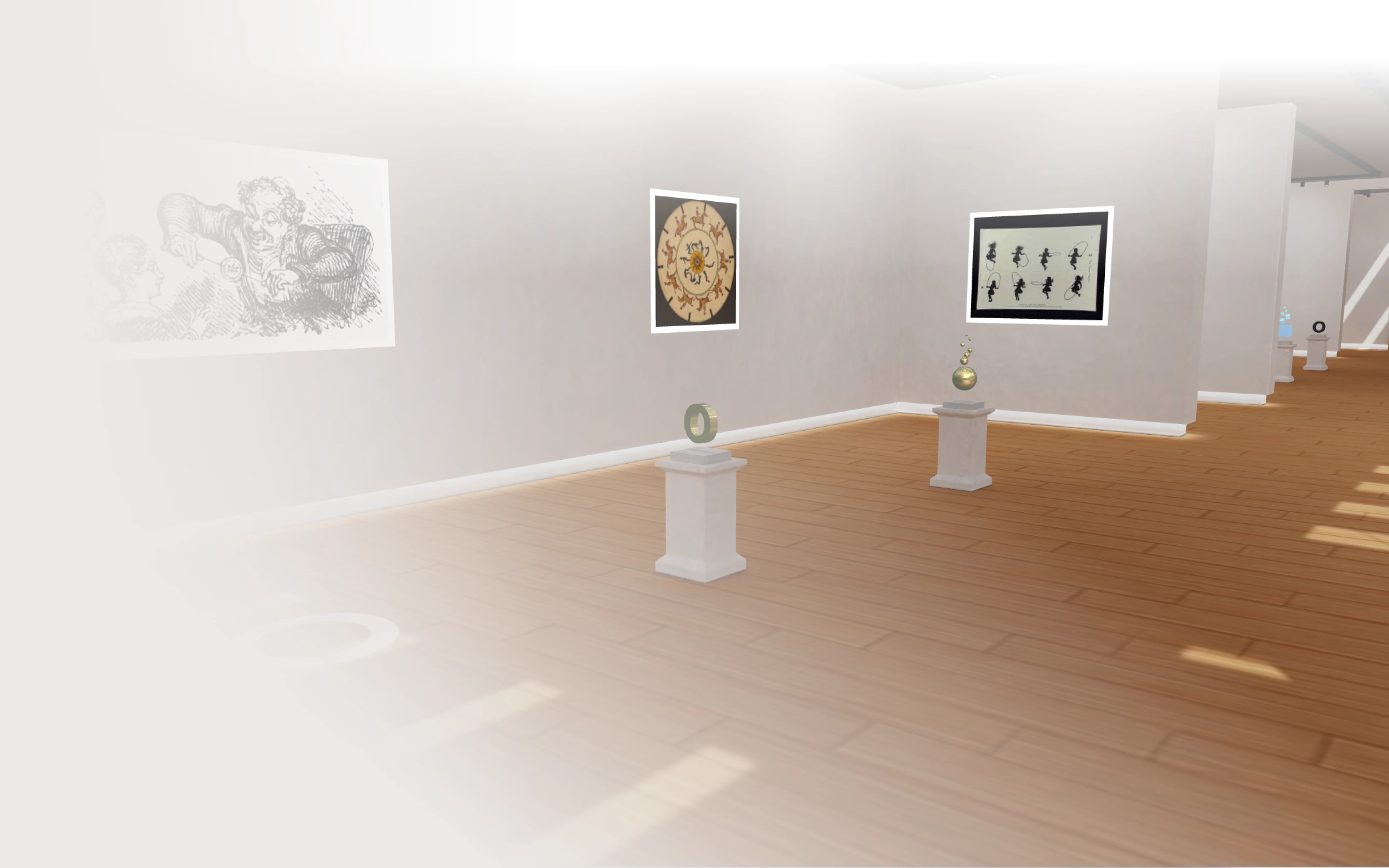
The browser-based 3D museum for immersive learning
A modular platform for interactive exhibits, WebXR support, and intuitive 3D navigation
This case study explains how we designed and built a 3D web museum prototype that recreates the feeling of walking through a real exhibition.
Visitors can navigate intuitively, explore interactive exhibits featuring images, videos, and 3D models, and switch seamlessly between zones. Optional WebXR support allows users with compatible VR browsers to explore the space immersively.
EdTech
Industry
2 specialists
Team size
NDA
Location
2 months
Project duration

Benefits of the app
Fully interactive 3D exhibition environment in the browser
Clickable exhibits with detailed media and external references
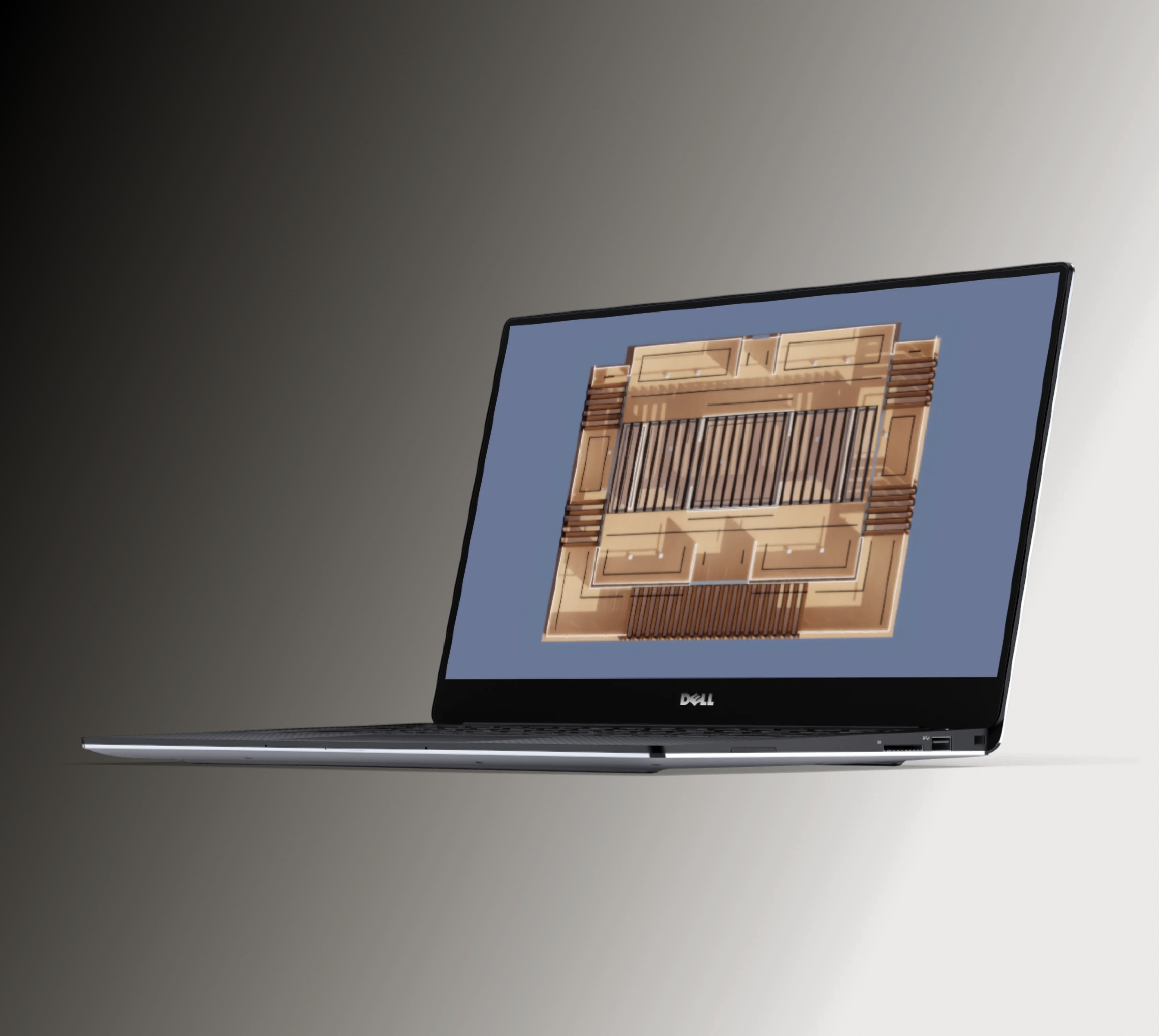
Mini-map for fast navigation between exhibition zones
WebXR support for immersive VR experiences
JSON-based configuration for easy content updates and expansion
[ Business context ]
Organizations in culture, education, and media are increasingly looking for ways to bring their content online in more engaging formats.
However, traditional digital formats—such as static websites, image galleries, or video tours—lack interactivity and fail to replicate the spatial experience of physical exhibitions.At the same time, fully custom VR applications often require downloads, specific hardware, and high development costs, limiting accessibility.
The goal of this project was to explore a middle ground: a browser-based 3D experience that combines the accessibility of the web with the immersion of virtual environments.The client aimed to validate how interactive, spatial storytelling could improve engagement, extend audience reach, and serve as a foundation for future digital exhibitions and branded experiences.

[ Product scope ]
During our collaboration, the Onix team needed to:
Build a fully navigable 3D exhibition hall with pre-baked lighting
Implement interactive exhibits supporting text, images, 3D models, and video
Provide intuitive movement via floor clicks, exhibit selection, and mini-map teleportation
Support multiple themed exhibitions within a single environment
Enable WebXR for VR exploration in compatible browsers
Ensure flexible content management using JSON configuration

Turn your content into an interactive 3D experience. Let’s build a web-based environment your audience can explore from anywhere.
[ Solutions we provided ]
Our team was responsible for the full-cycle development of the 3D web application, focusing on delivering an immersive, intuitive, and scalable digital exhibition experience.
We combined real-time 3D rendering, flexible content architecture, and user-friendly navigation to replicate the feeling of a physical museum in the browser. We made a great effort to provide the following solutions:
3D web application architecture
We designed and implemented a browser-based 3D environment using Babylon.js, enabling real-time rendering of complex scenes without requiring additional software installation. The architecture was built to balance visual quality and performance, ensuring accessibility across a wide range of desktop devices and VR-ready browsers.
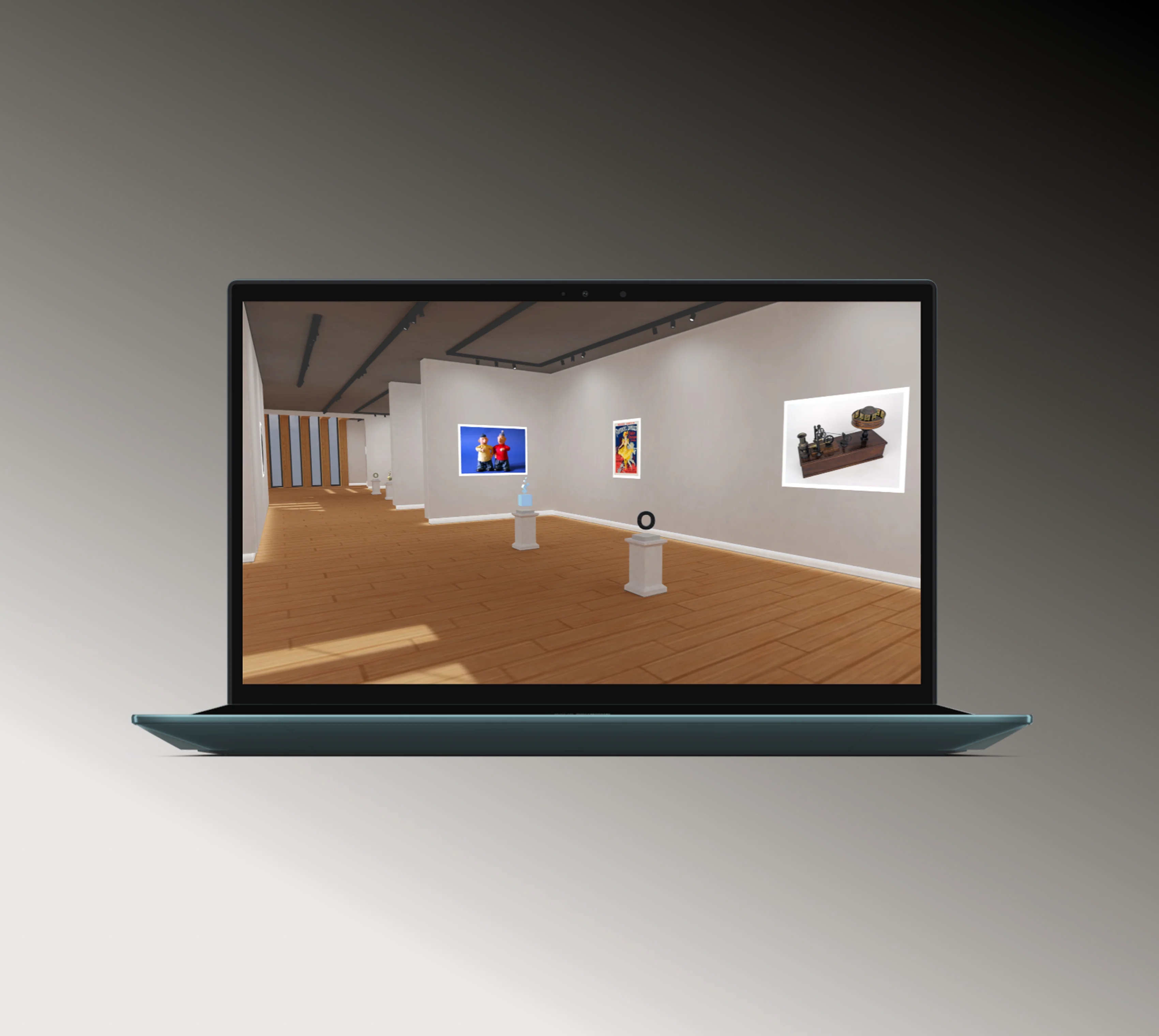
Environment design and spatial navigation
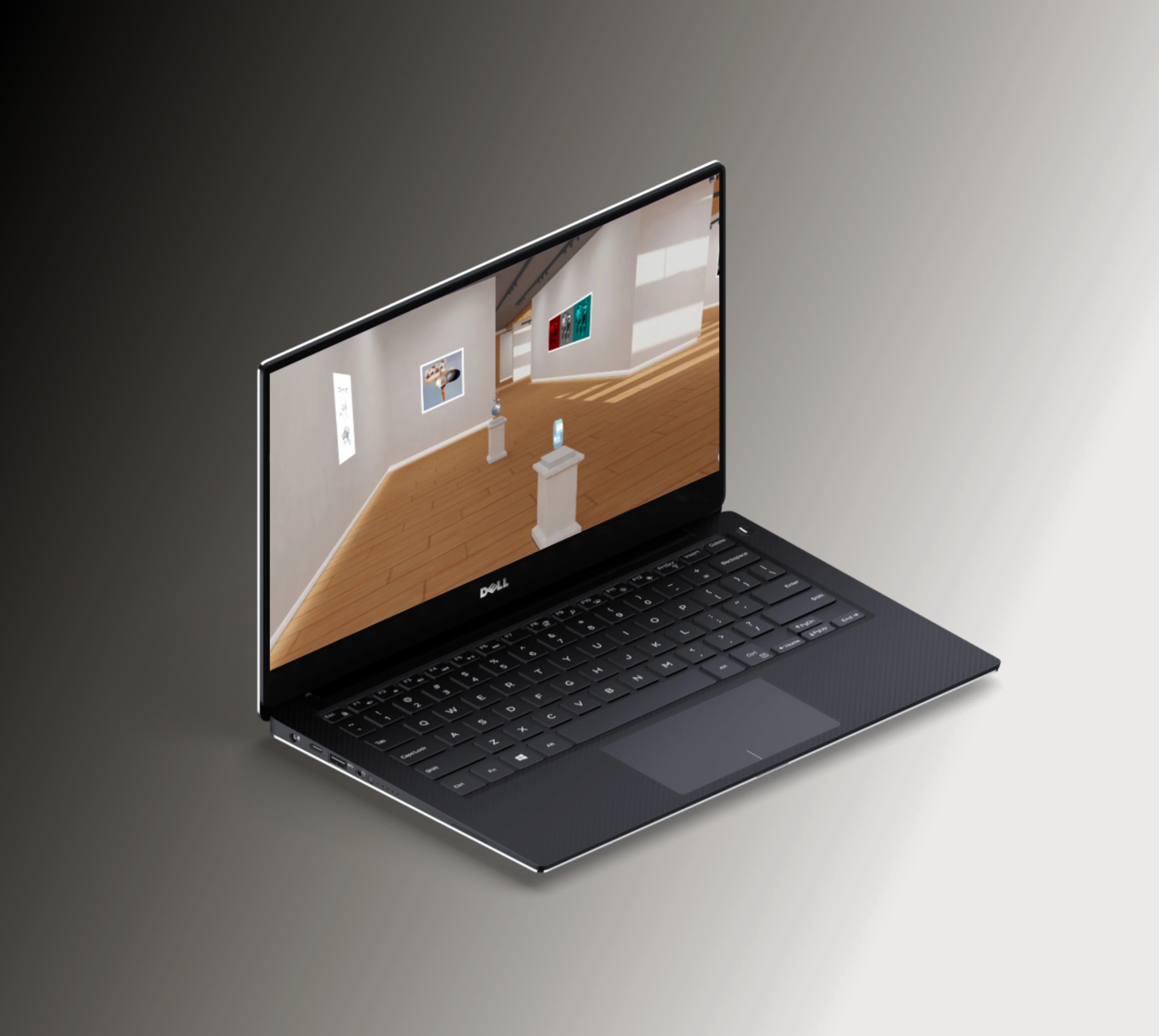
We created a structured exhibition space with multiple zones, using pre-baked lighting and optimized scene composition to ensure both realism and performance. Navigation mechanics were designed to be intuitive—users can move by clicking on the floor or directly interacting with points of interest, minimizing the learning curve for first-time users.
Interactive exhibit system
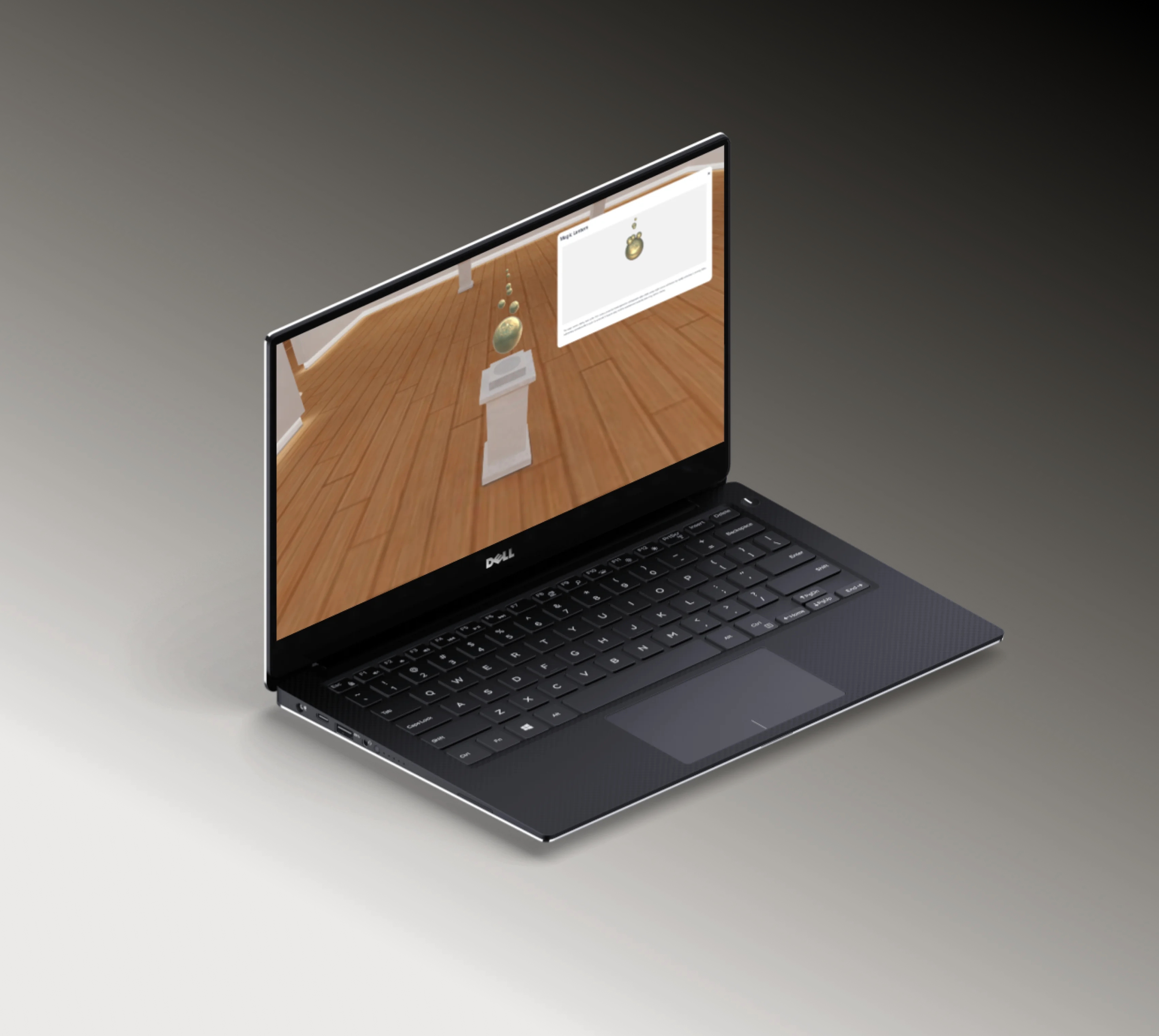
We developed a flexible interaction layer where each exhibit responds to user actions. Objects highlight on hover, and on selection, open detailed views that can include text descriptions, image galleries, 3D models, video content, or external links. This system allows each exhibit to deliver rich, layered information without overwhelming the user.
Content management via JSON configuration
To ensure scalability and ease of updates, we implemented a JSON-driven content system. All exhibits—including their assets, metadata, and behaviors—are defined in structured configuration files. This approach allows non-developers to update content, add new exhibits, or modify existing ones without changing the core application code.
Multi-format media integration
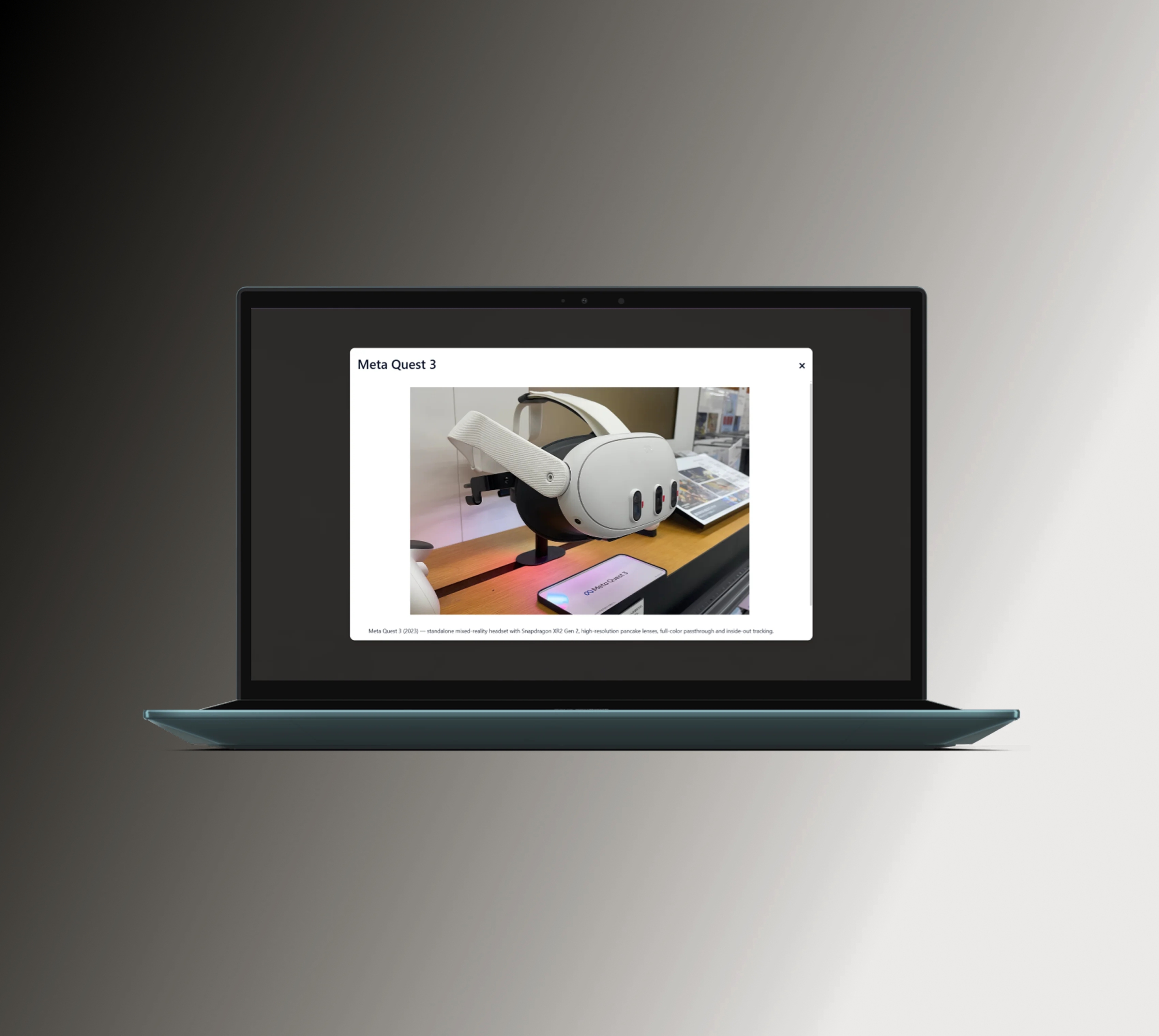
The platform supports a wide range of content formats, including GLB 3D models, high-resolution images, and embedded video. We ensured smooth loading and rendering of these assets, optimizing file sizes and implementing efficient resource handling to maintain performance.
WebXR integration for VR support
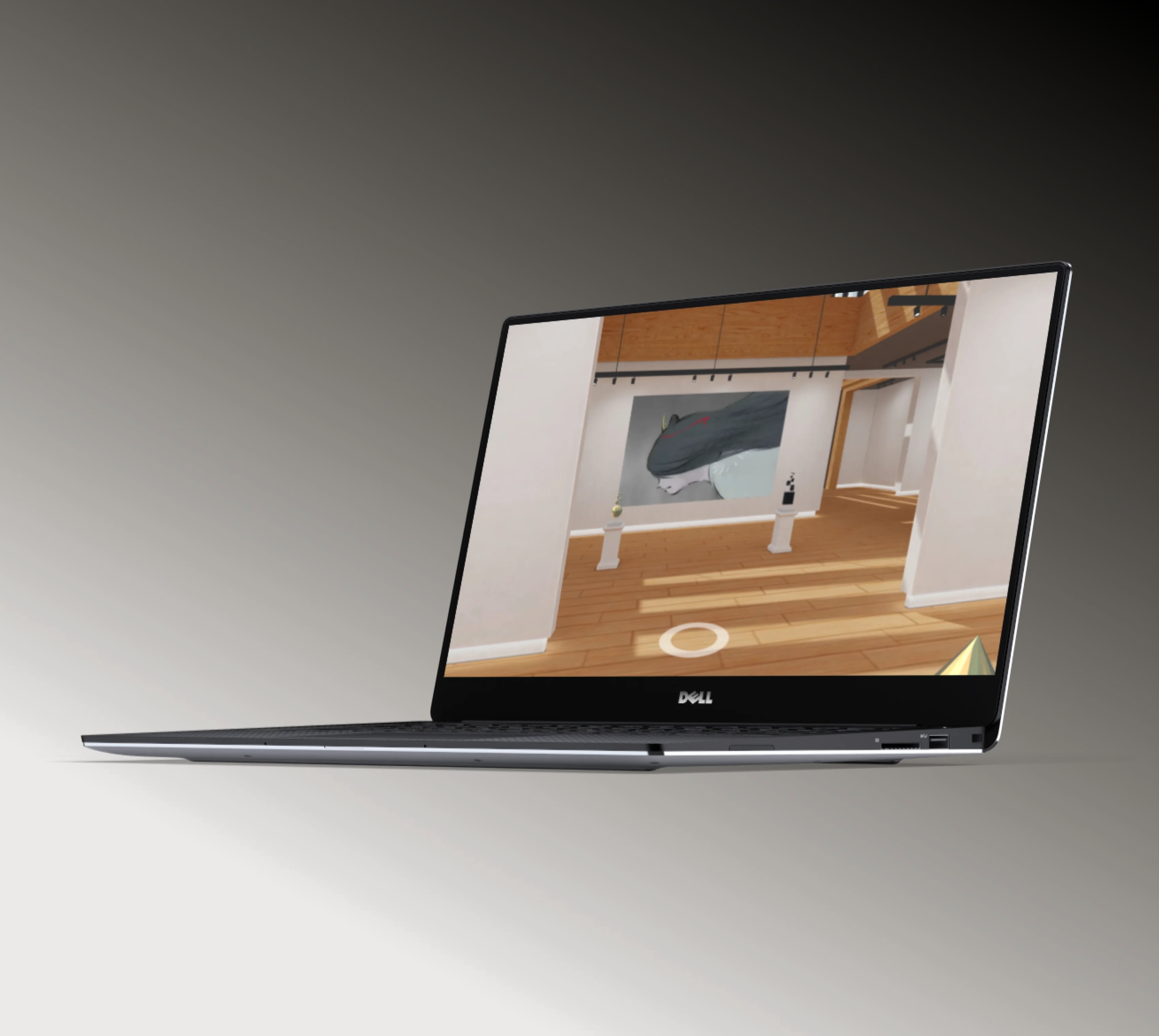
To extend the experience beyond desktop, we integrated WebXR capabilities, allowing users with compatible devices to explore the environment in virtual reality. The system automatically adapts controls and interaction patterns to VR mode, ensuring a seamless transition between standard and immersive experiences.
Core technology stack we used
Babylon.JS
[ Results ]
As a result of our work, the client received a functional and scalable prototype of a 3D web-based exhibition platform.
The solution demonstrates how modern web technologies can bridge the gap between traditional galleries and immersive digital environments. It provides a cost-effective and scalable way to deliver engaging, interactive content without requiring users to install dedicated applications.
Our delivery enabled:
Interactive exploration of curated exhibitions directly in the browser
Seamless navigation across multiple exhibition zones with intuitive controls
Rich, multimedia-driven exhibits combining text, visuals, video, and 3D models
Optional VR immersion via WebXR-compatible devices
Rapid content updates and expansion through JSON-based configuration
Stable performance across desktop environments and VR-ready browsers
A reusable foundation for future digital exhibitions, educational projects, and branded experiences

See other related projects

Slovakia
Tourism
Unique VR tour to engage and educate
visitors about Banská Štiavnica's
history
Transformed historical tour with VR implementation
Unique VR tour to engage and educate visitors about Banská Štiavnica's history
Services provided:
Onix developed a VR app, digitized museum items, implemented realistic animations, optimized 3D models for real-time rendering & simulated water effects

Estonia
Entertainment
Onix created a gamified VR experience
for an Estonian country house museum
Interactive VR museum experience for Meta Quest 2
Onix created a gamified VR experience for an Estonian country house museum
Services provided:
Onix coded the functionalities required by a history-themed VR game of 5 rounds, localized it into 5 languages, and tested and deployed the game

Netherlands
Travel
VR app to offer users immersive virtual
tours of various countries worldwide
VR app for worldwide virtual tours
VR app to offer users immersive virtual tours of various countries worldwide
Services provided:
Onix built a VR app that hosts 360-degree videos, integrated a 3D interactive map, and ensured high-quality textures and a realistic visual experience